

Request a Dues Card for a Member
Jun 02, 2026●
1
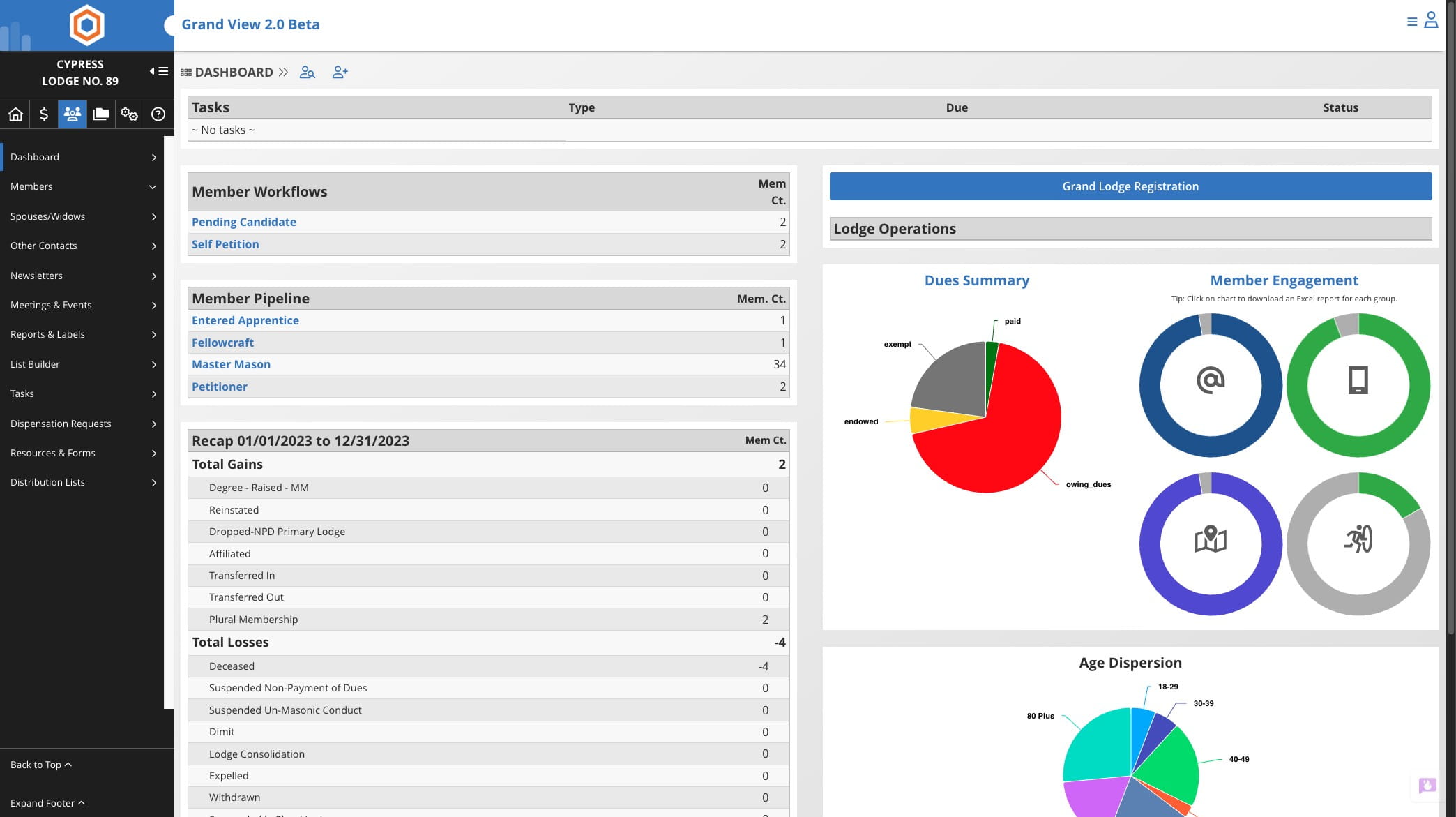
Click on members icon

2
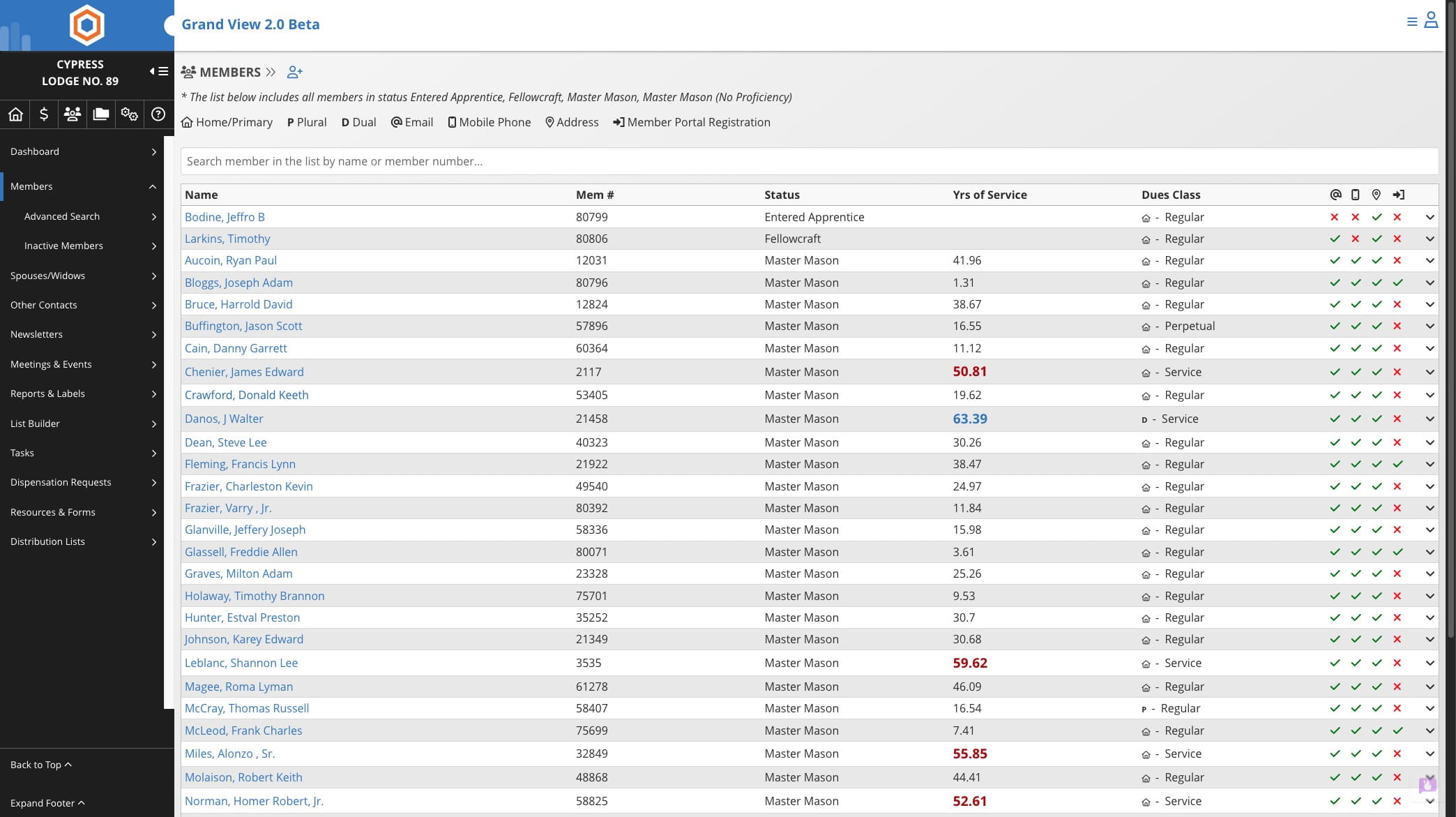
Select the member or use the search to locate member record
3
Click on "Memberships"
4
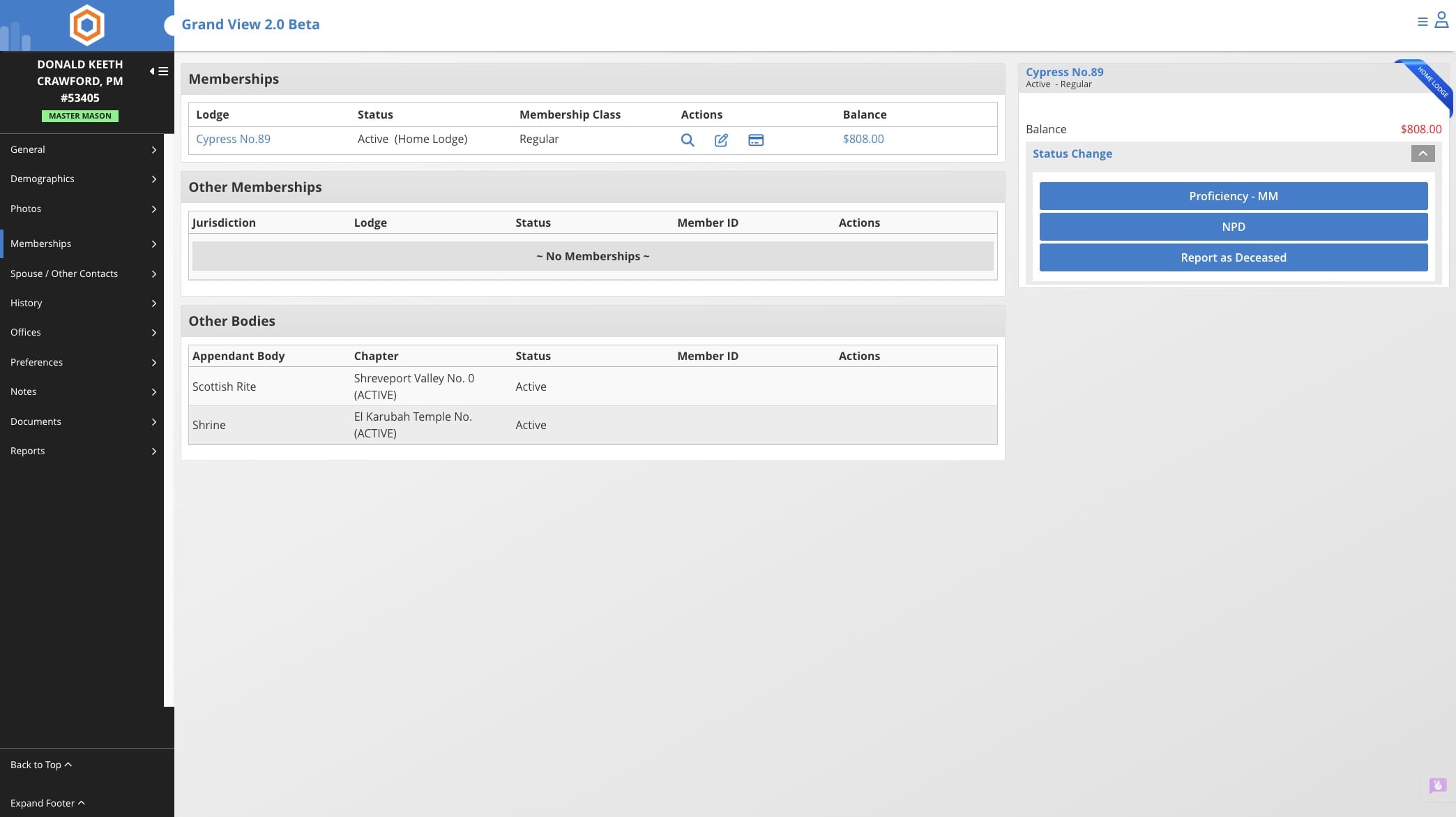
Click on the card icon
5
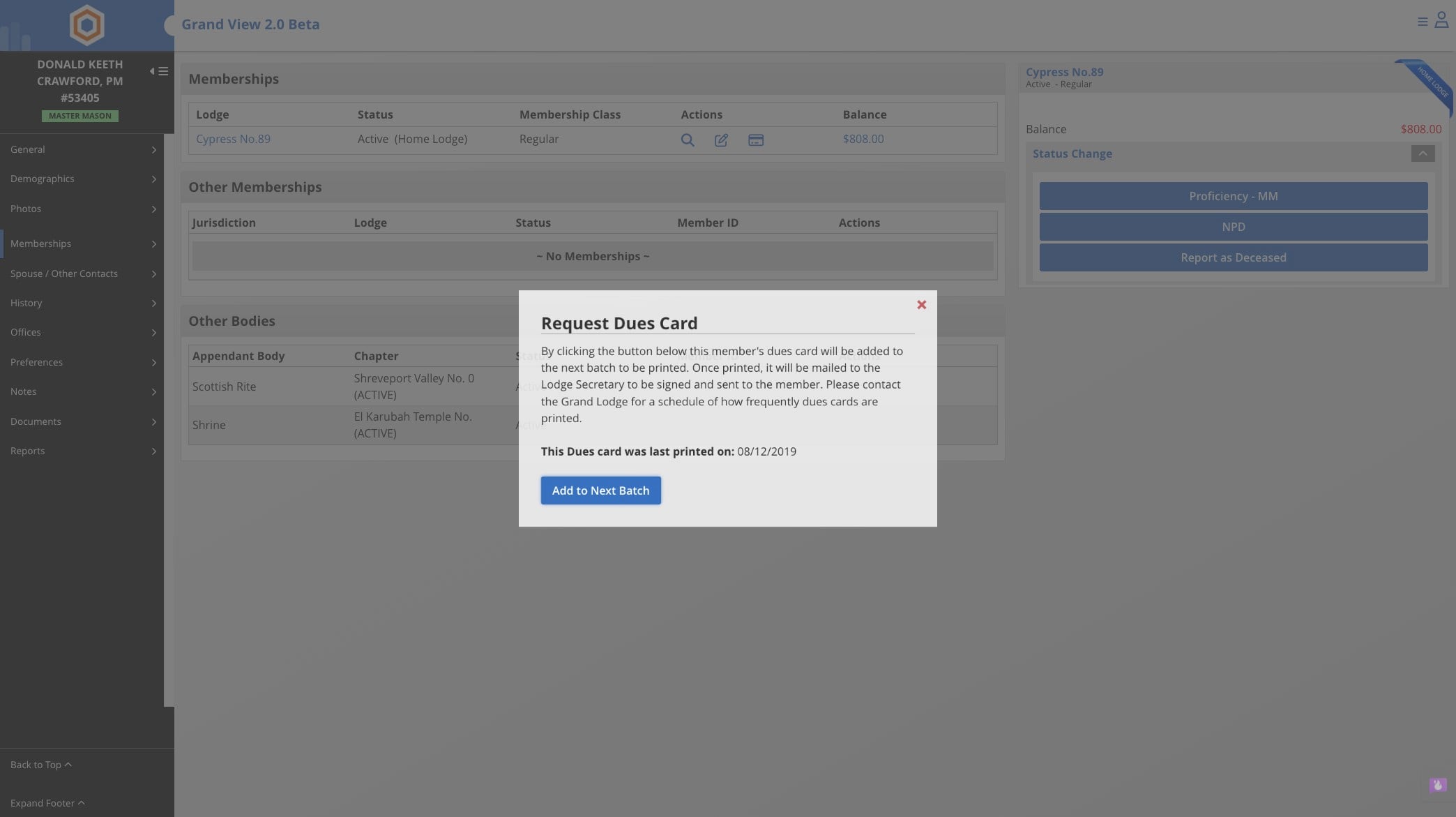
Click on "Add to Next Batch"
6
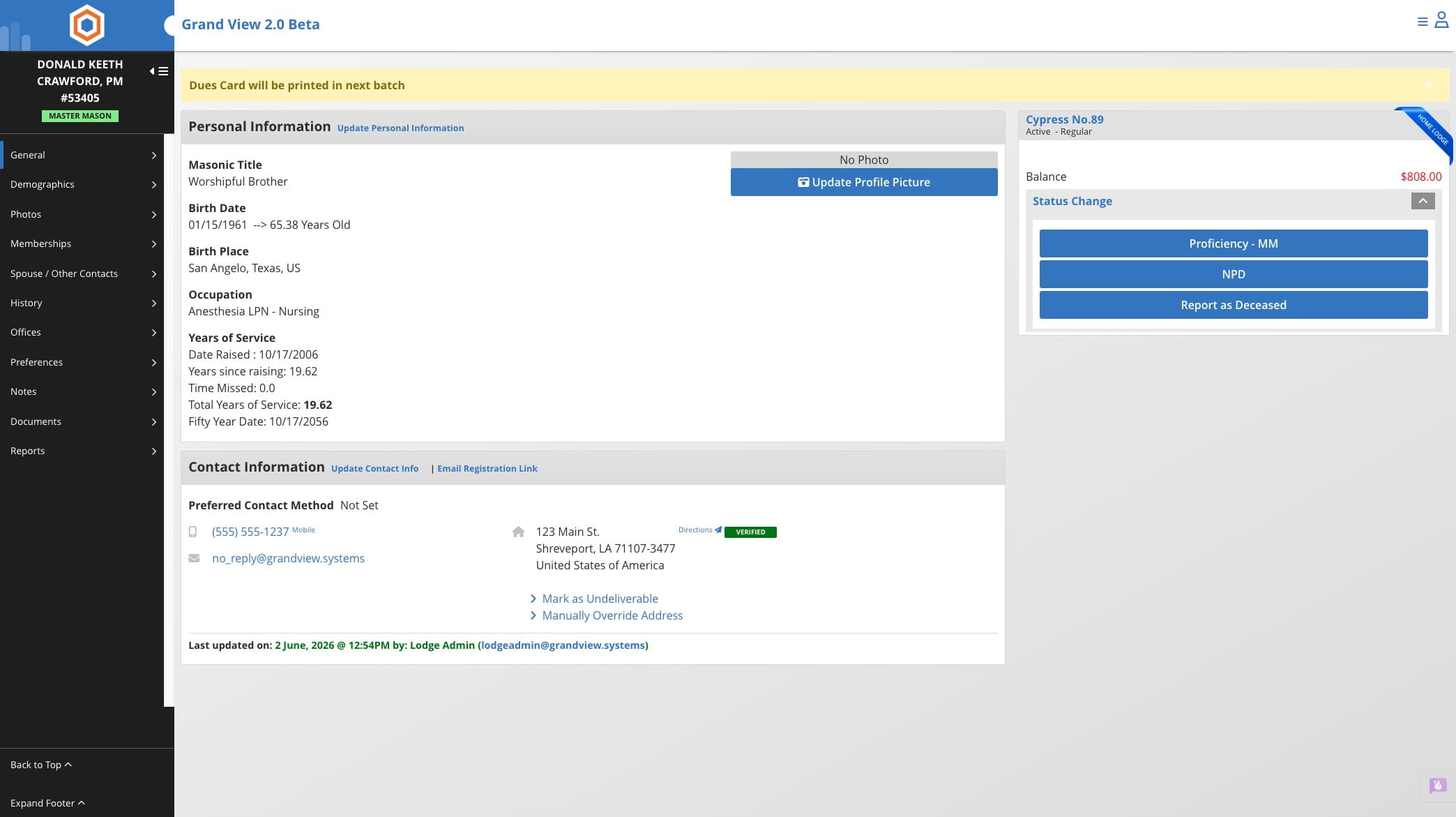
Done 🚀
Click on members icon
Select the member or use the search to locate member record
Click on "Memberships"
Click on the card icon
Click on "Add to Next Batch"
Done 🚀