Remove a Membership
This guide walks you through the steps to remove a membership from a member's record.
Jun 16, 2026●
1
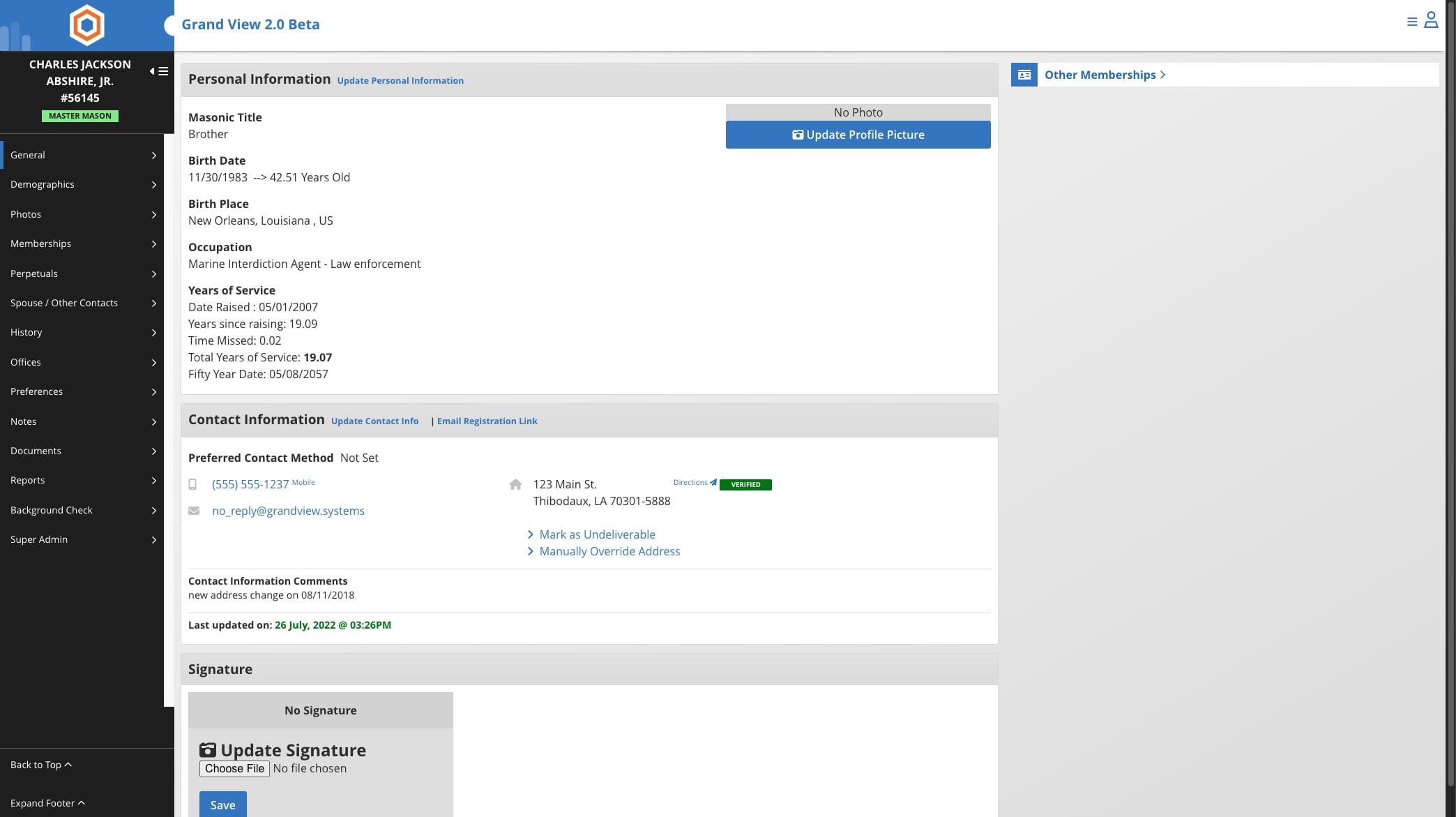
Navigate to the member's record
2
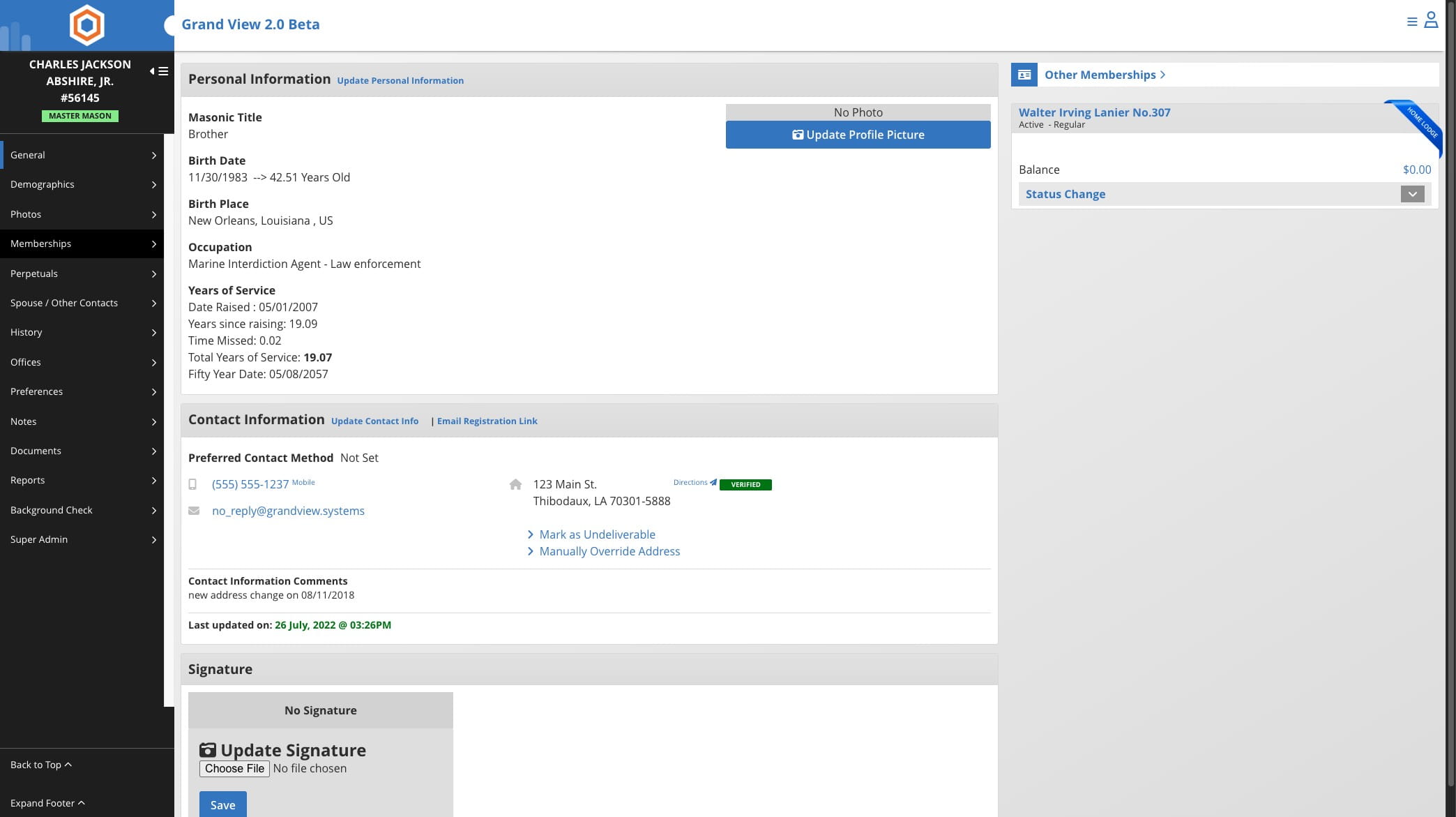
Click on "Memberships"

3
Click on the edit icon
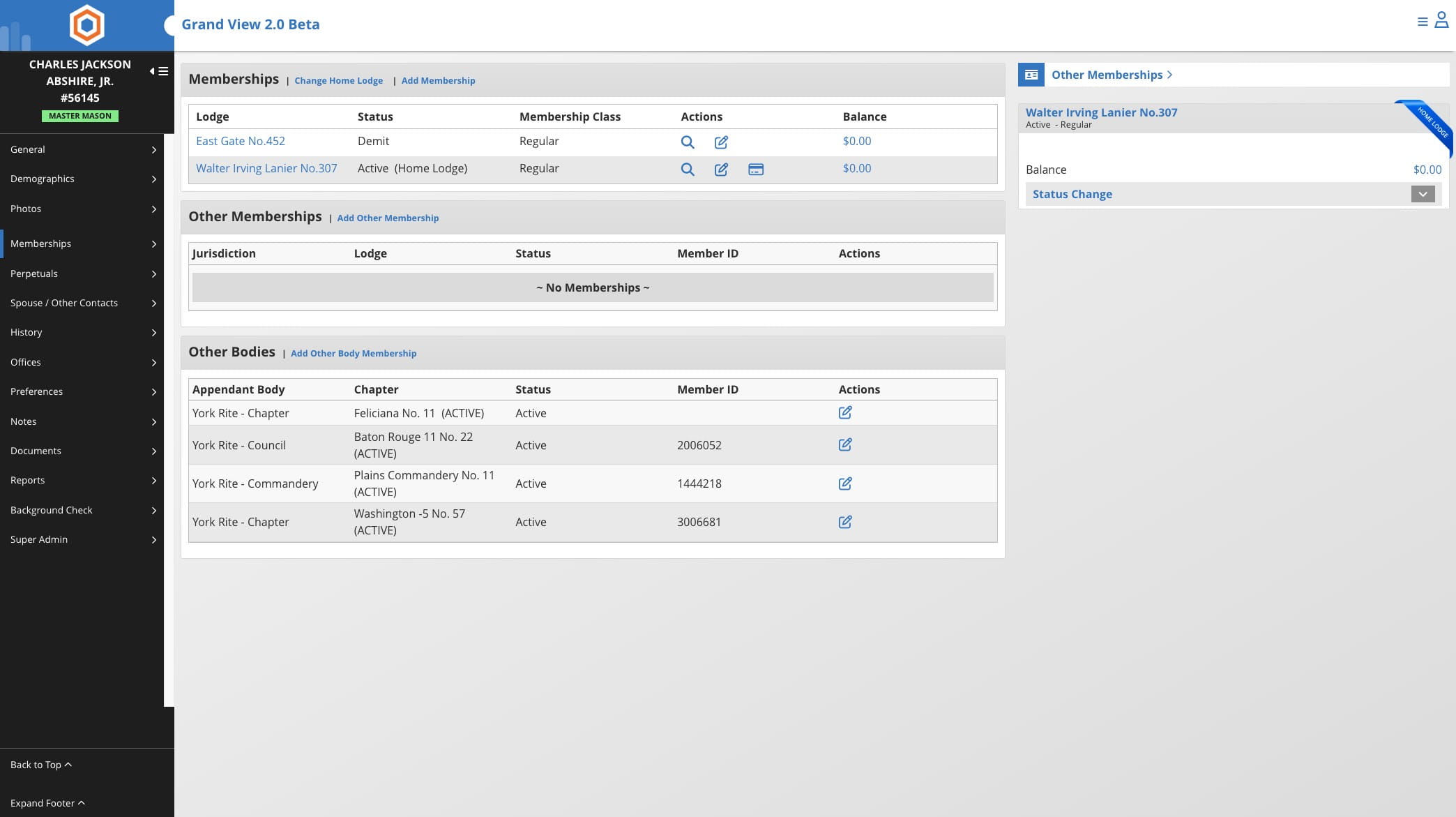
If you don't see this option your jurisdiction may only permit this at the Grand Lodge level. Please contact them for assistance.
4
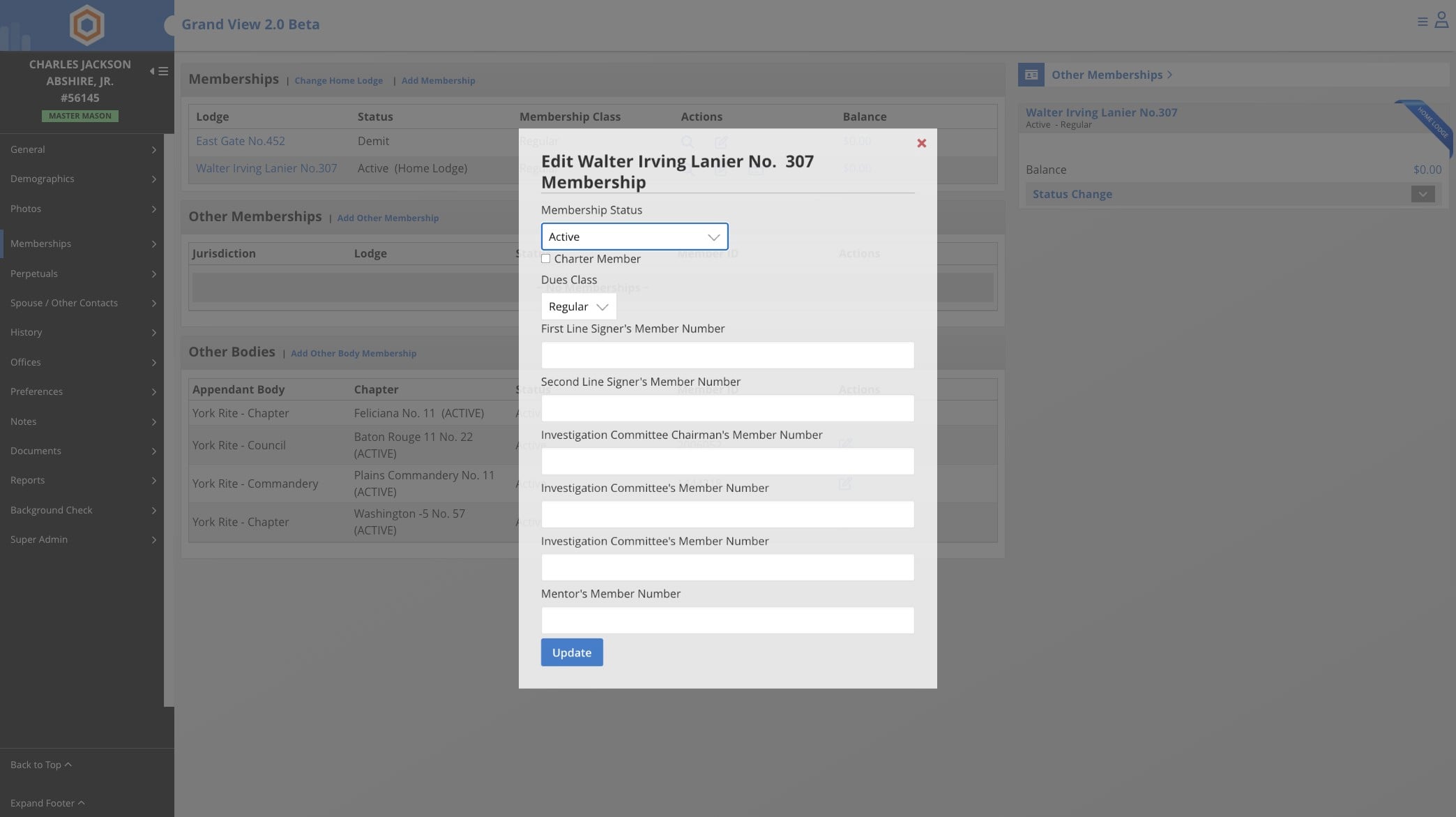
Click on Membership Status and change to deleted
5
Done 🚀