Record Payment from Member
This guide walks Lodge Secretaries through the process of recording a payment from a member in the Grandview system. It covers selecting the payment type (Check or Cash), entering the payment amount, and handling overpayments by allocating excess funds to lodge accounts. Follow these steps to ensure accurate and efficient payment processing.
Jun 22, 2026●
1
Navigate to https://beta.grandview.systems/mems/35252
2
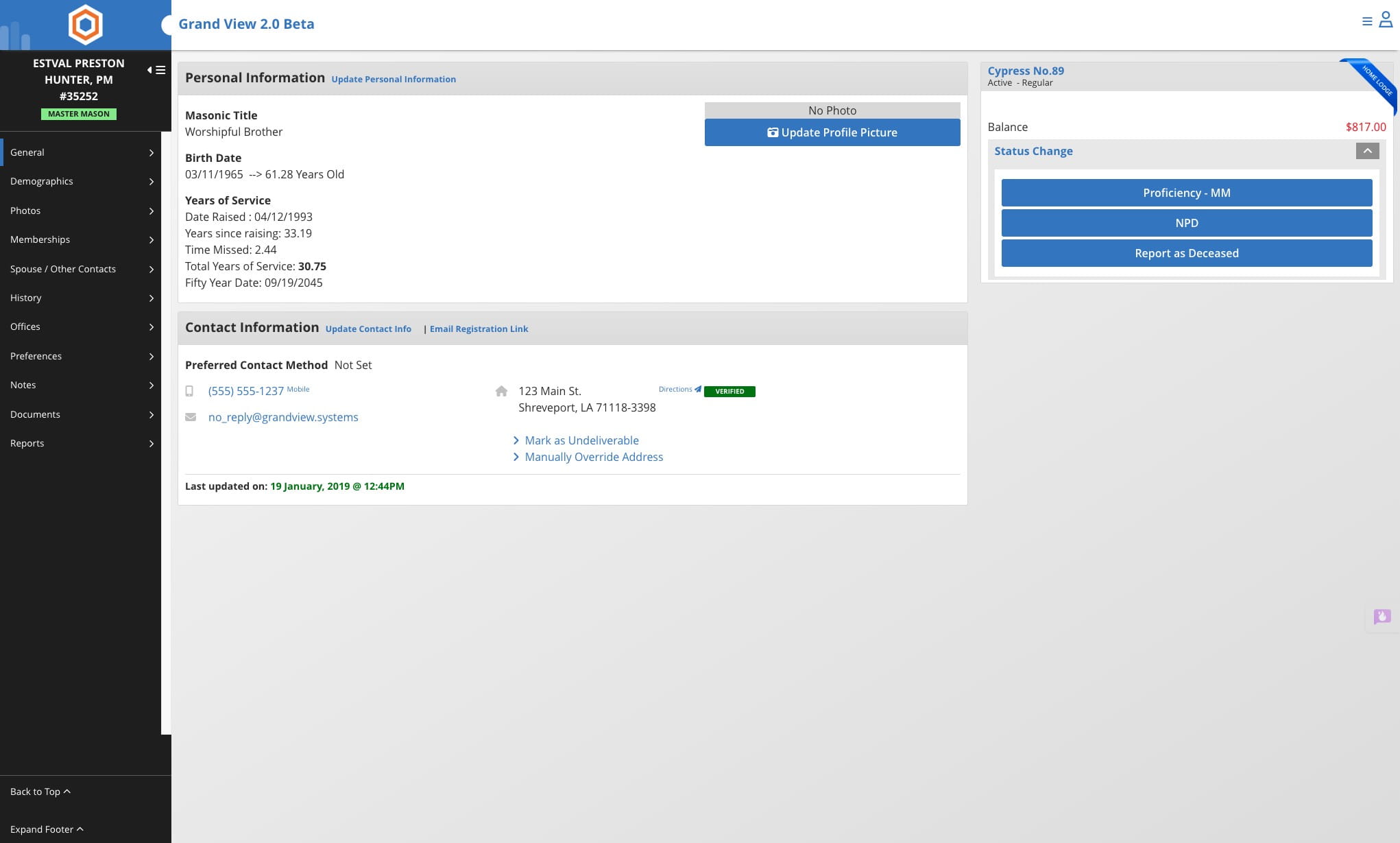
Click on "$817.00"

3
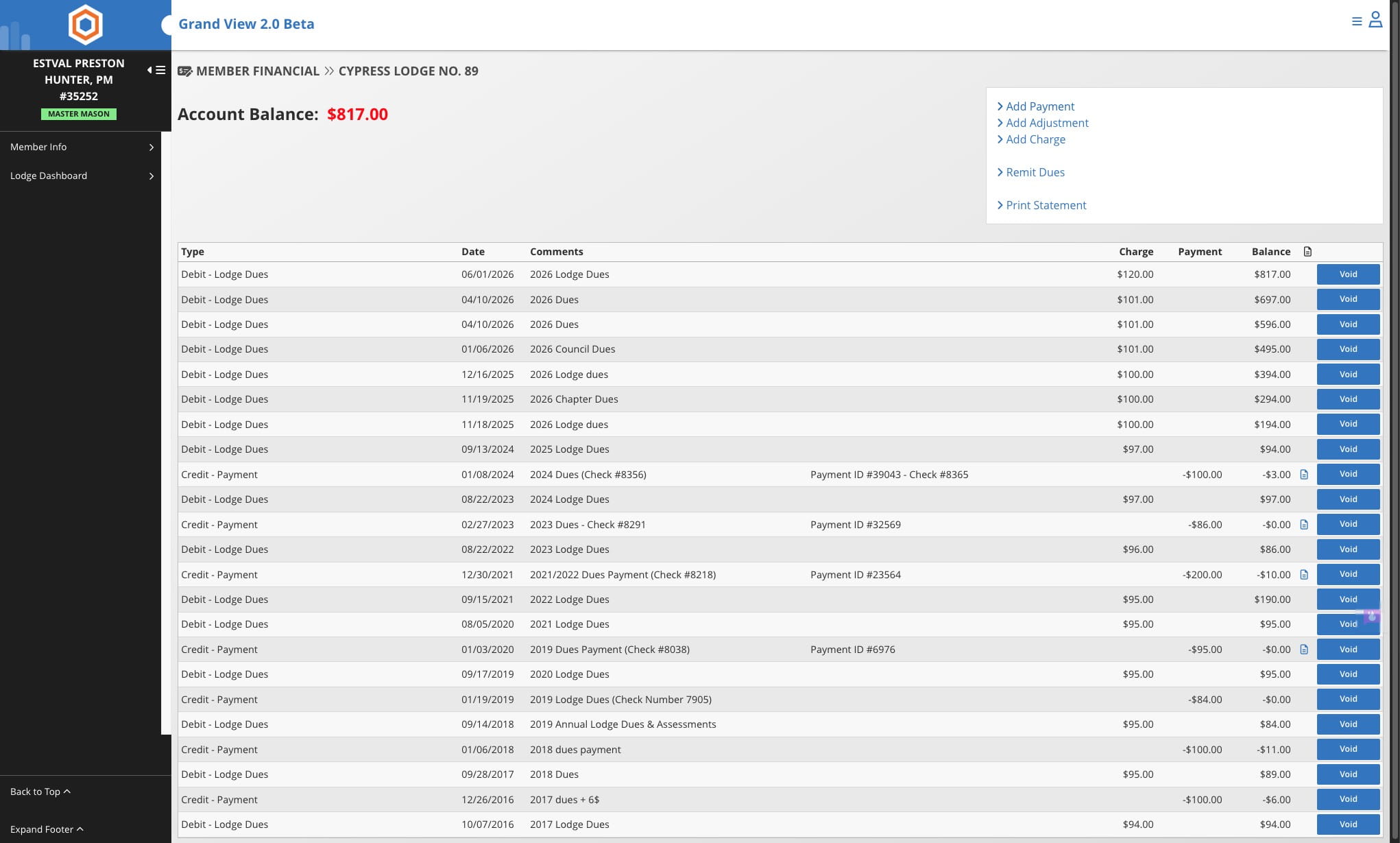
Click this icon
4
Select the payment type. Lodge Secretaries should only use Check or Cash.
5
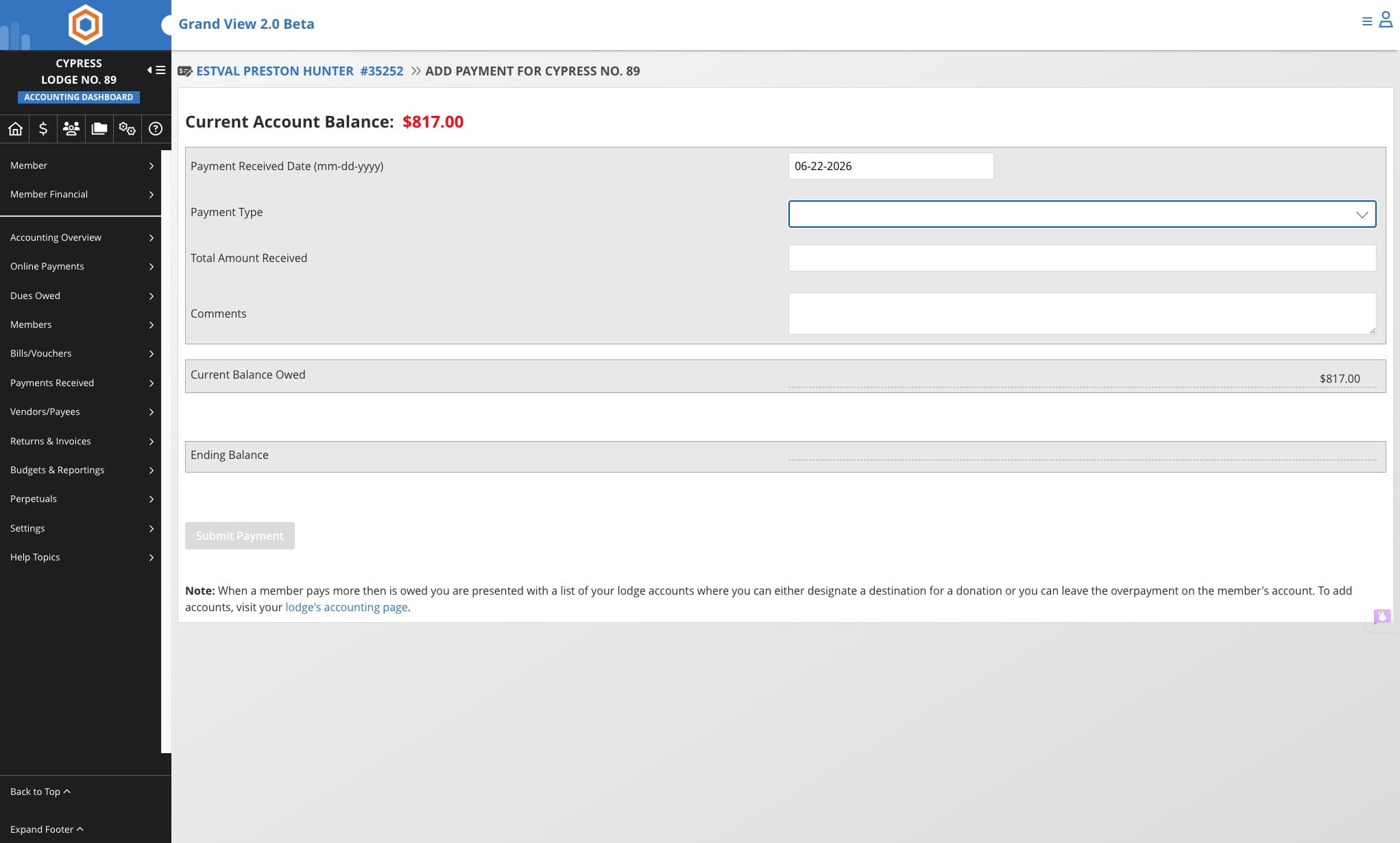
Enter the amount received from member
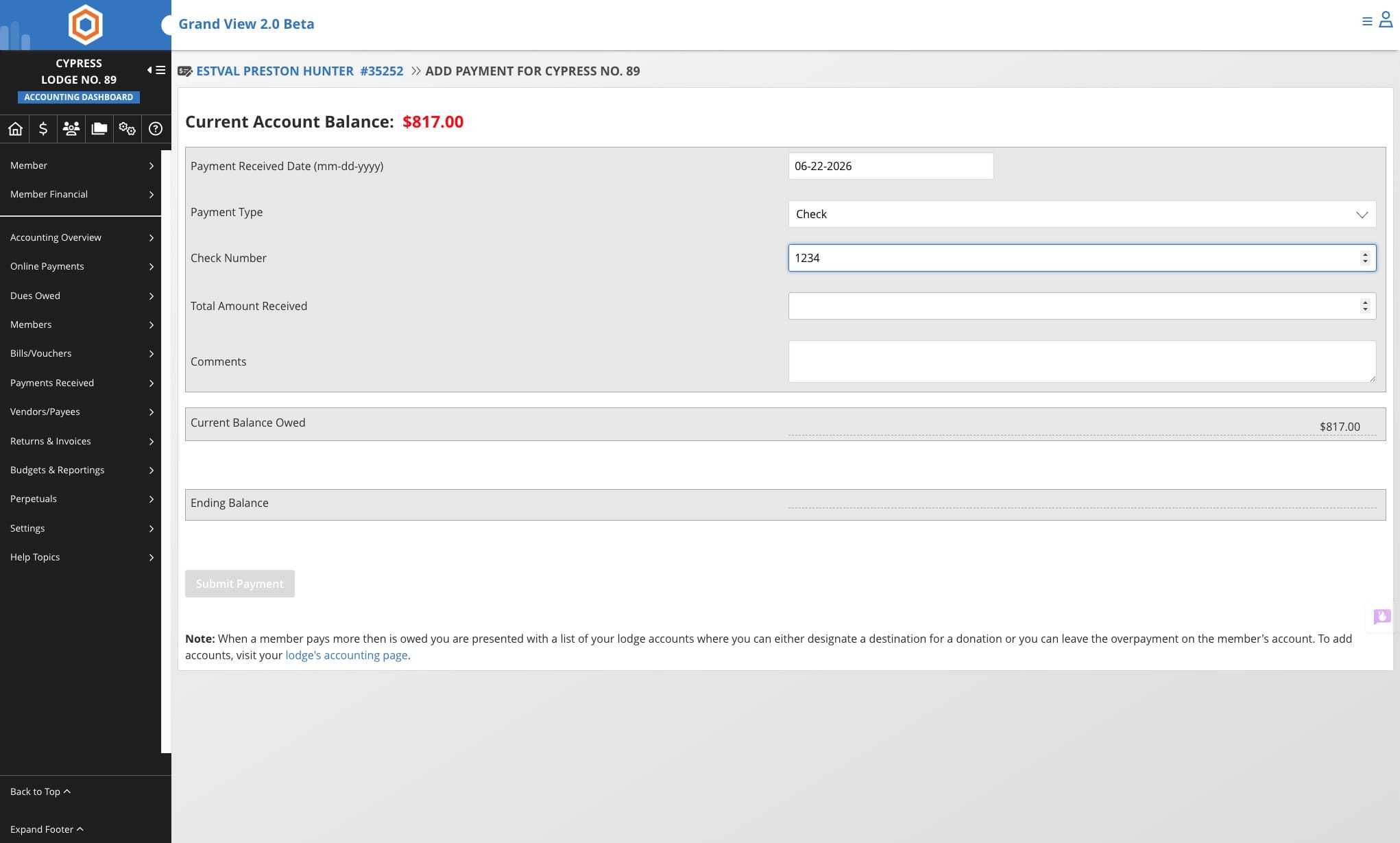
- The payment form is dynamic and automatically adapts based on the amount entered.
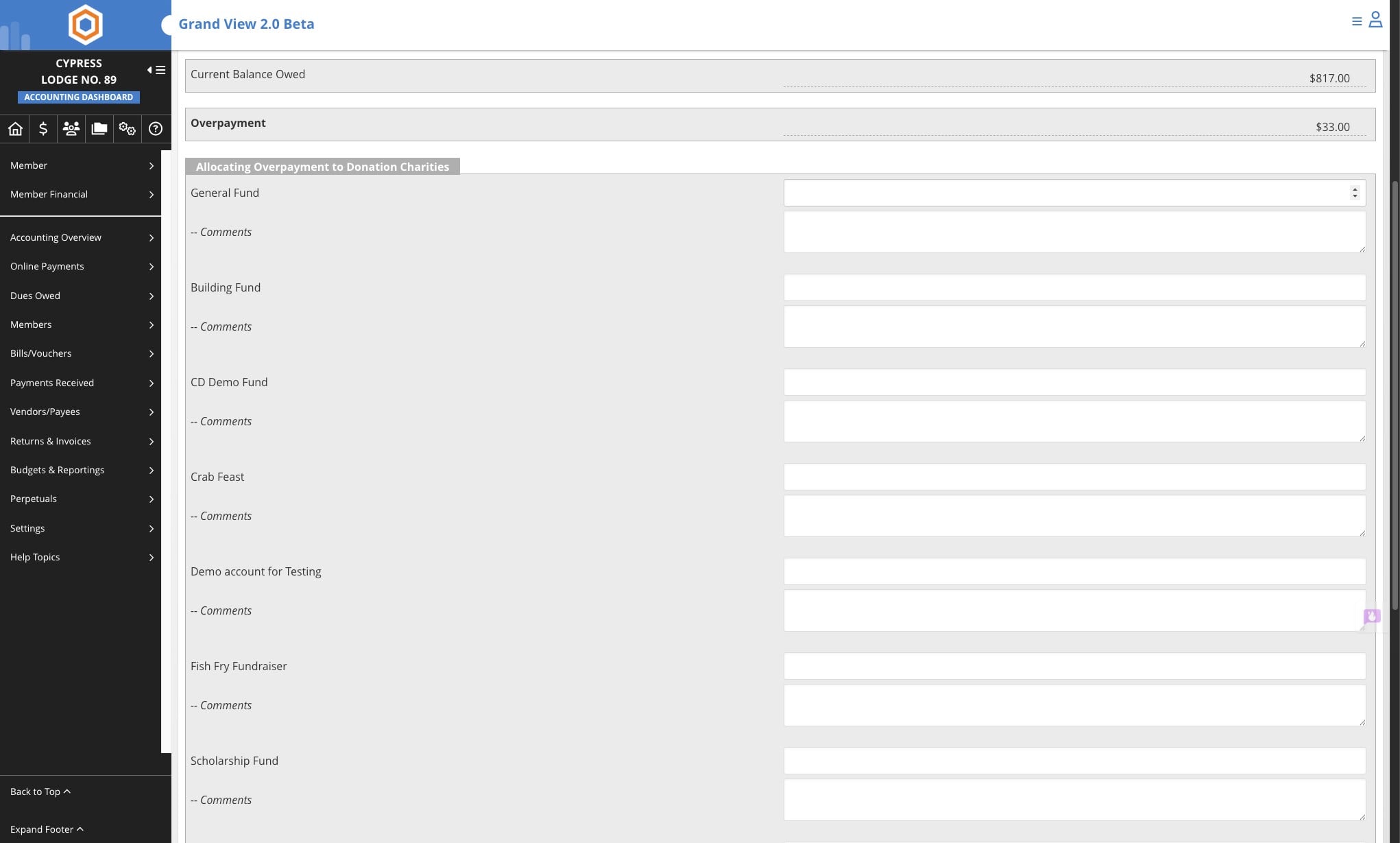
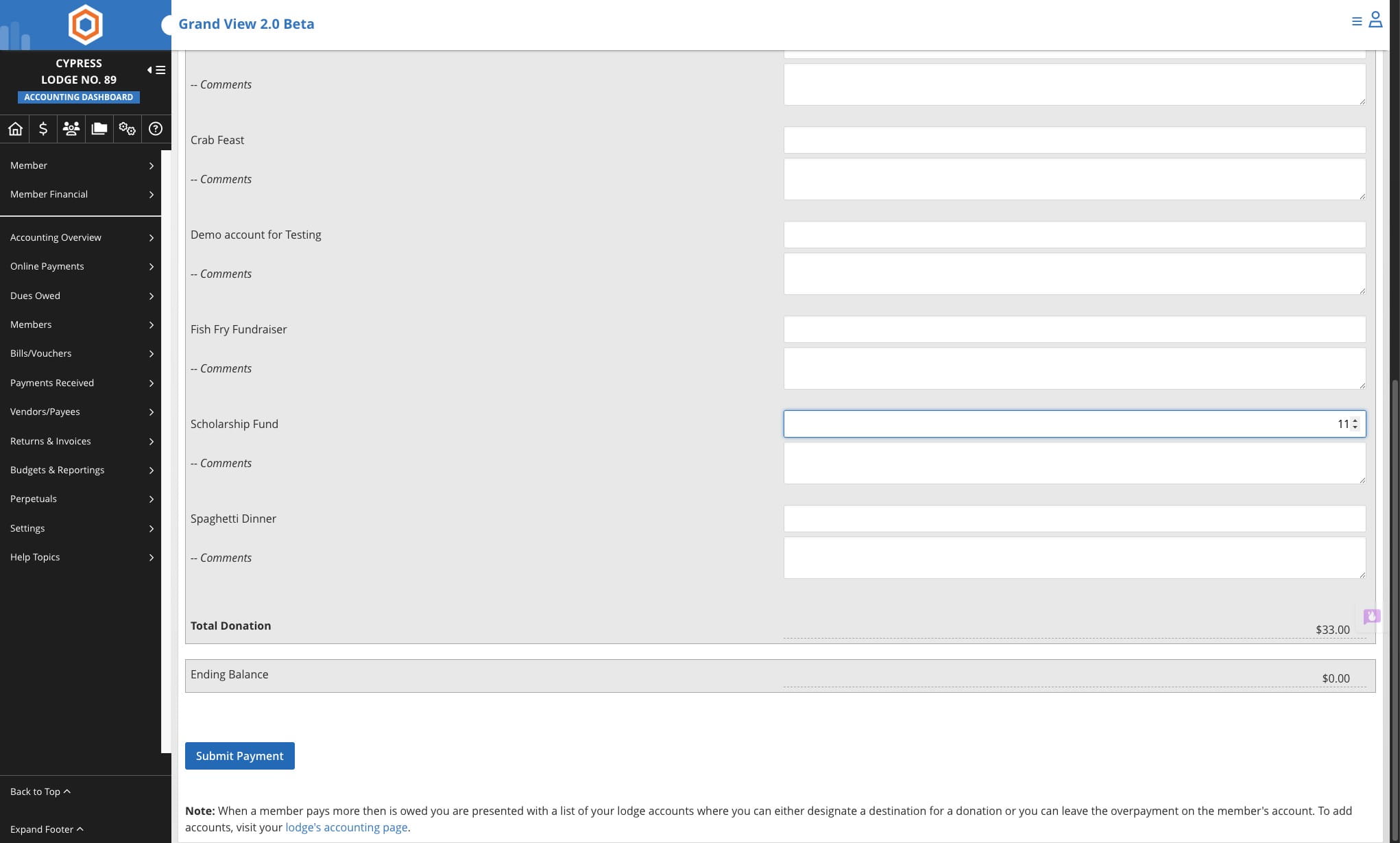
- Overpayment: If the amount entered exceeds the balance owed, you will be presented with a list of lodge accounts where the excess funds can be directed as donations. As you enter amounts into these fields, the form will automatically calculate the member's ending balance. Upon saving, the system will generate individual transactions for each account and credit them accordingly.
- Exact or Partial Payment: If the amount entered does not exceed the balance owed, the donation worksheet will not appear, and the member's account balance will simply be reduced by the amount paid.
- Important Note: Charitable donations can only be processed for members who have no outstanding balance. This is intentional. If you need to record a donation from a member who still owes dues or assessments, you will need to manually create the appropriate transactions in their account.
6
If there is an overpayment you can select where the additional fund are to be allocated
7
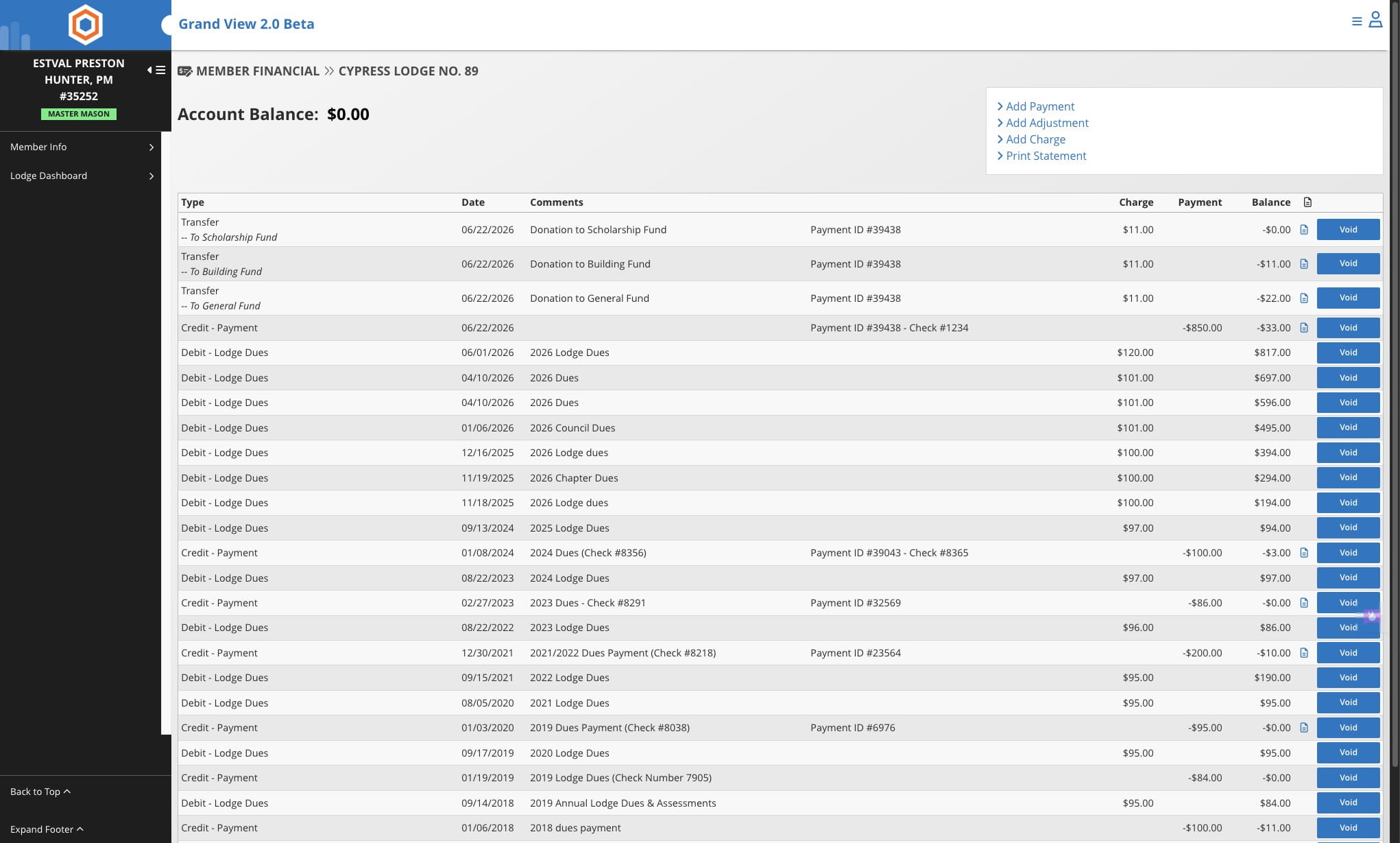
Once allocations have been made click on "Submit Payment"
8
Done 🚀