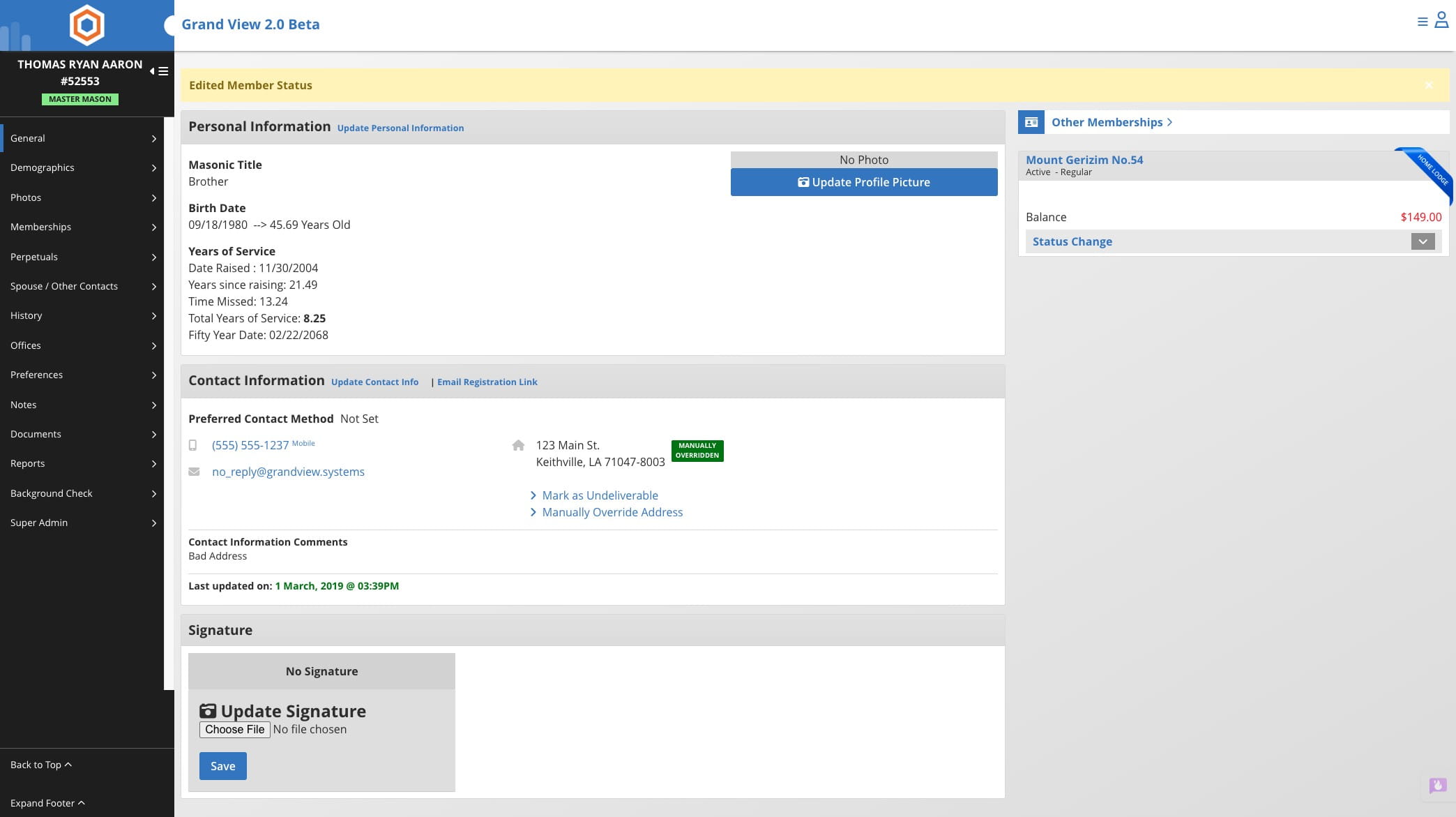
Change Member Status from Deceased
Learn how to change a member's status from Deceased in the Grand Lodge system. This action requires Grand Lodge Super Admin access and involves navigating to the Member Status Override option to restore a member's appropriate status, such as Master Mason. If you do not have Super Admin access, contact your Grand Lodge or Chapter for assistance.
Changing a member's status from Deceased can only be completed by a Grand Lodge Super Admin. If you accidentally reported a member as deceased please contact your Grand Lodge/Chapter for assistance.
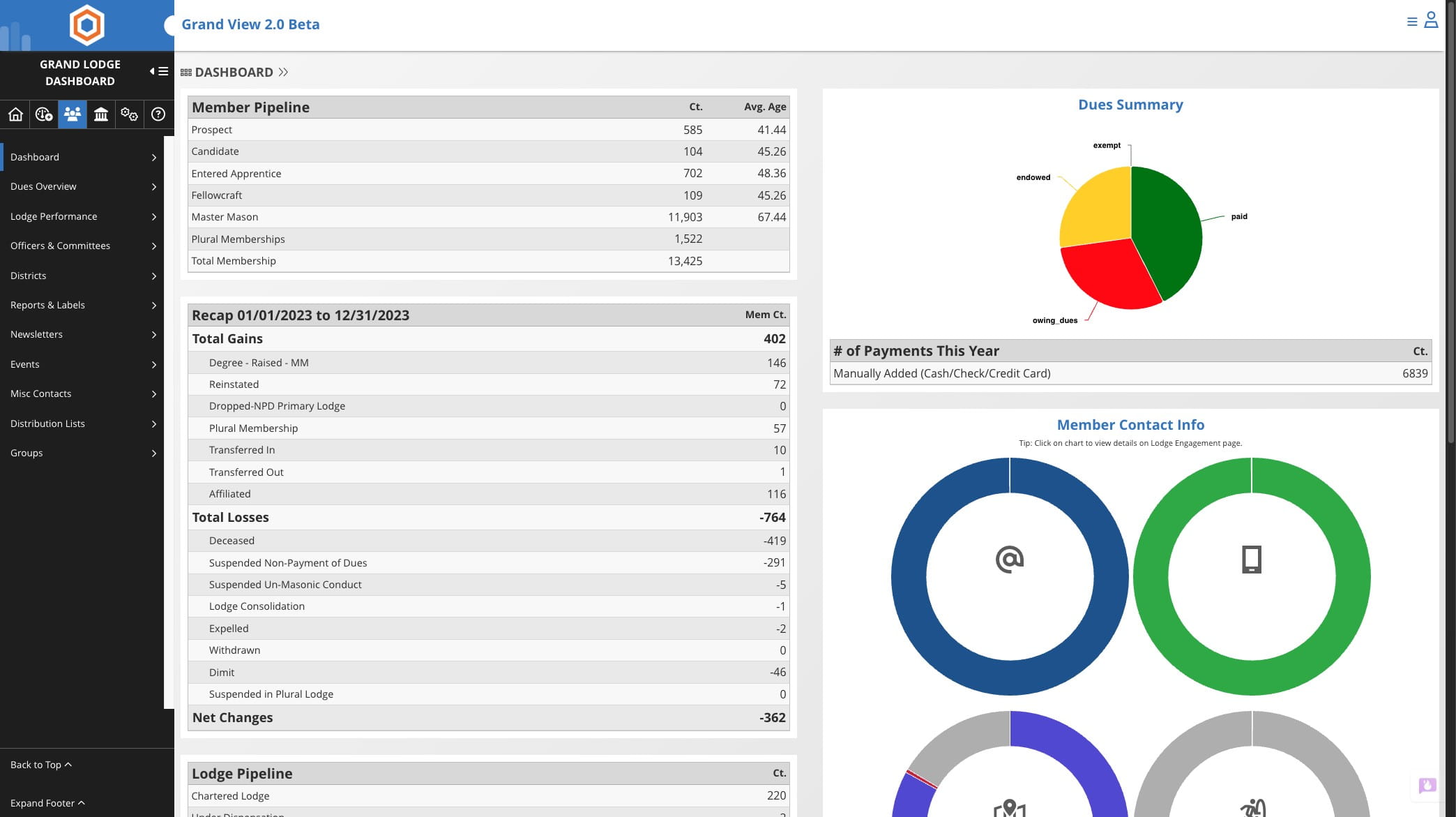
Click on Member Icon from the Grand Lodge Dashboard

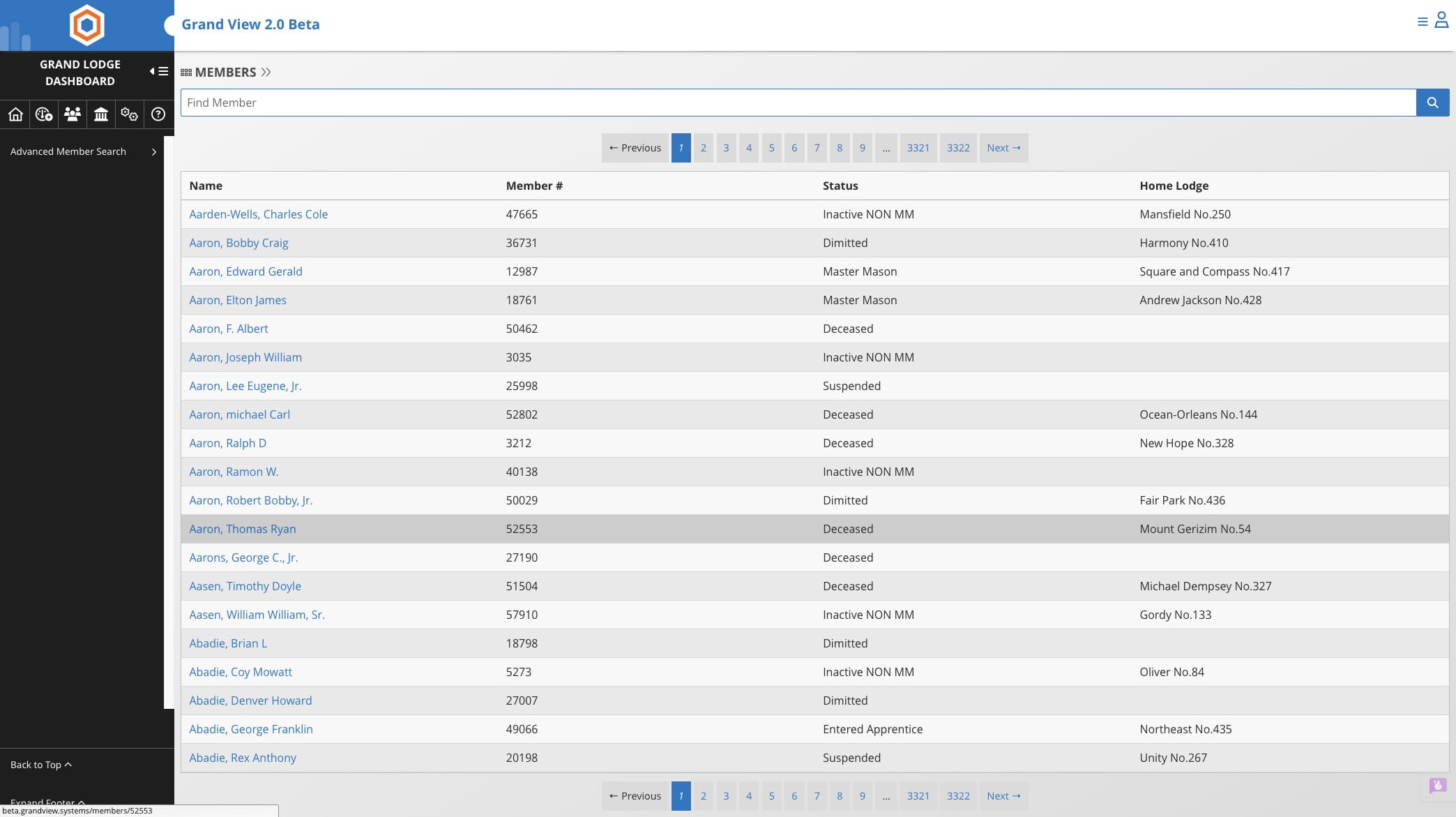
Click on "Aaron, Thomas Ryan"
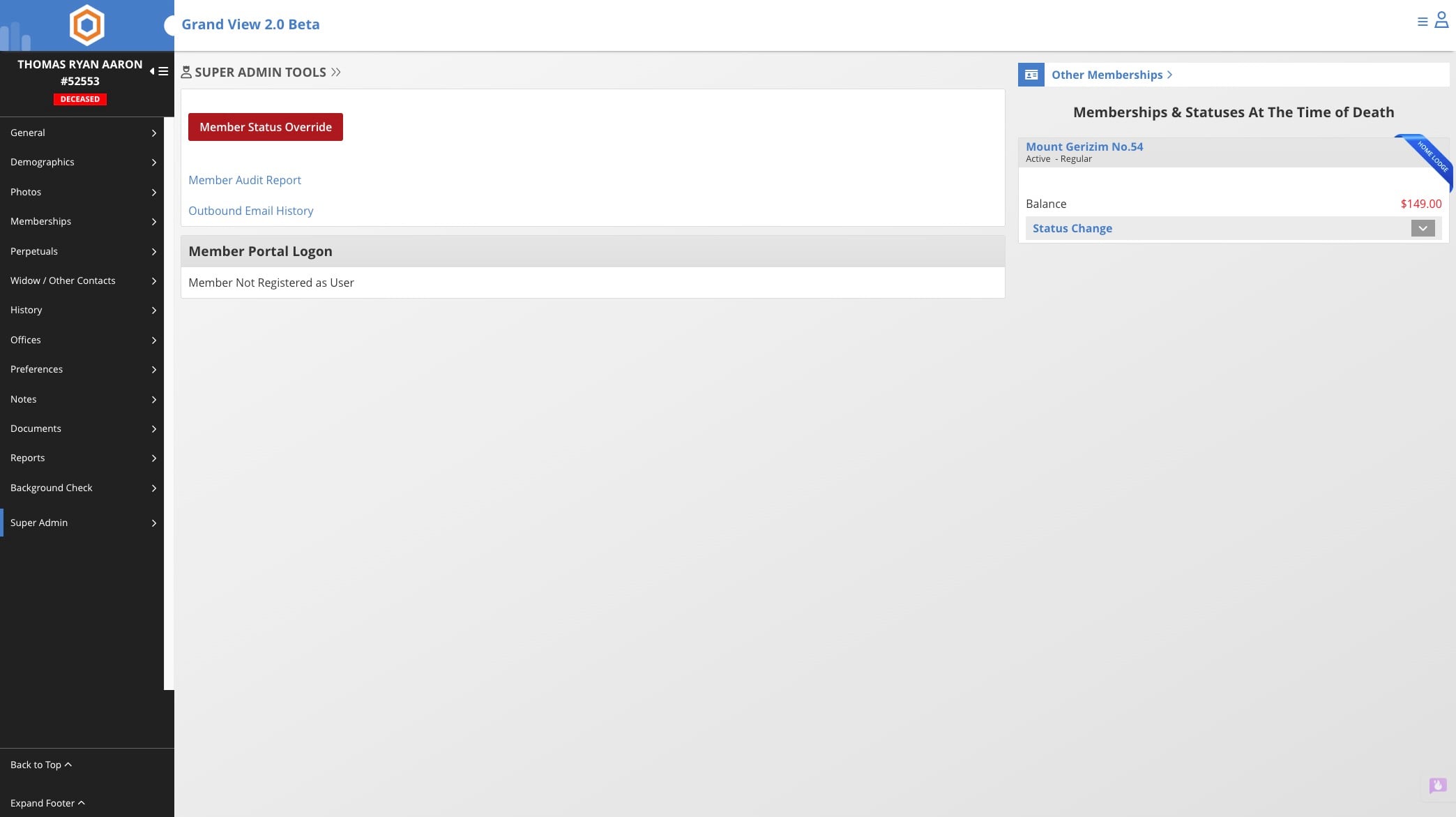
Click on "Super Admin"
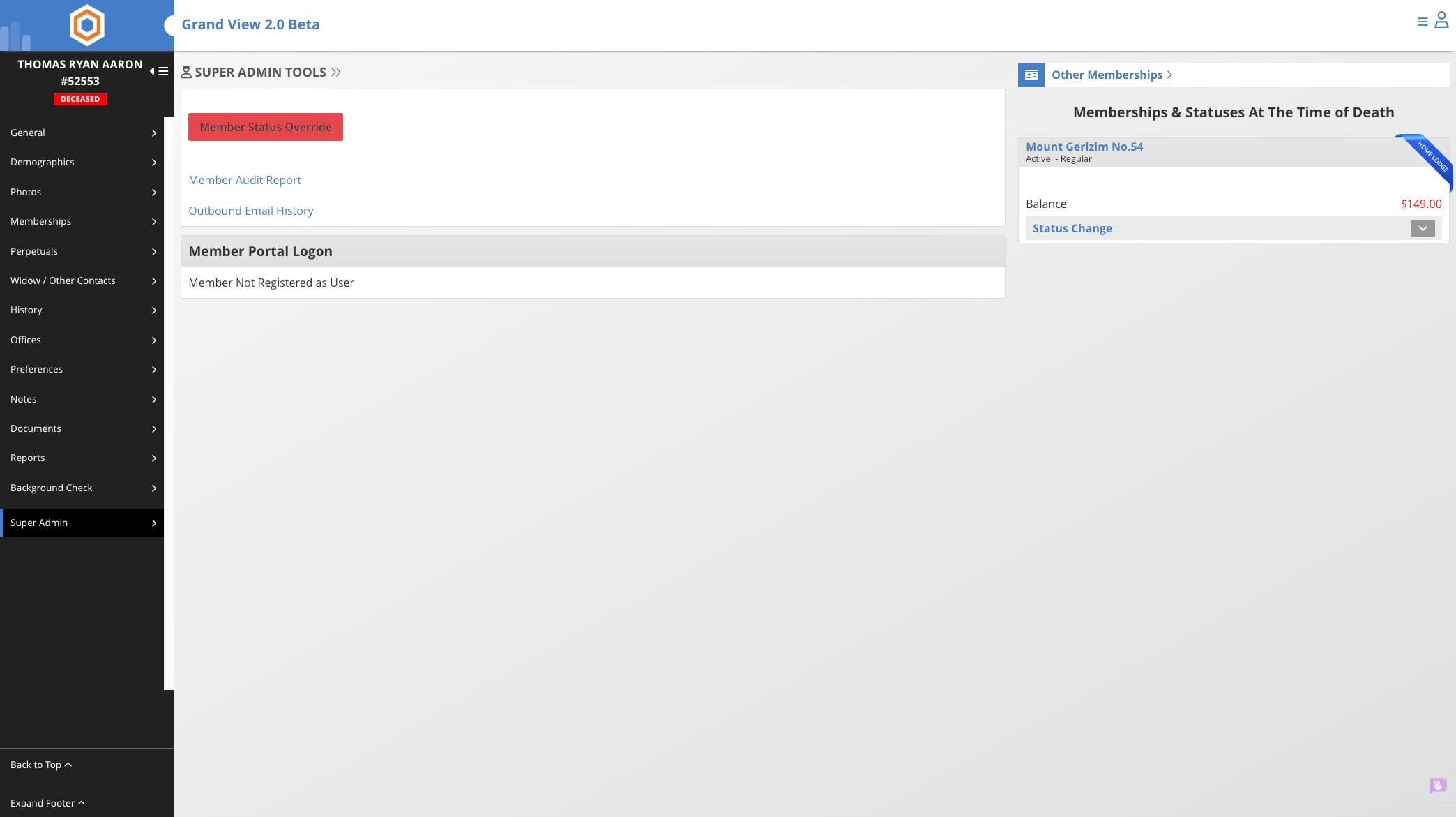
Click on "Member Status Override"
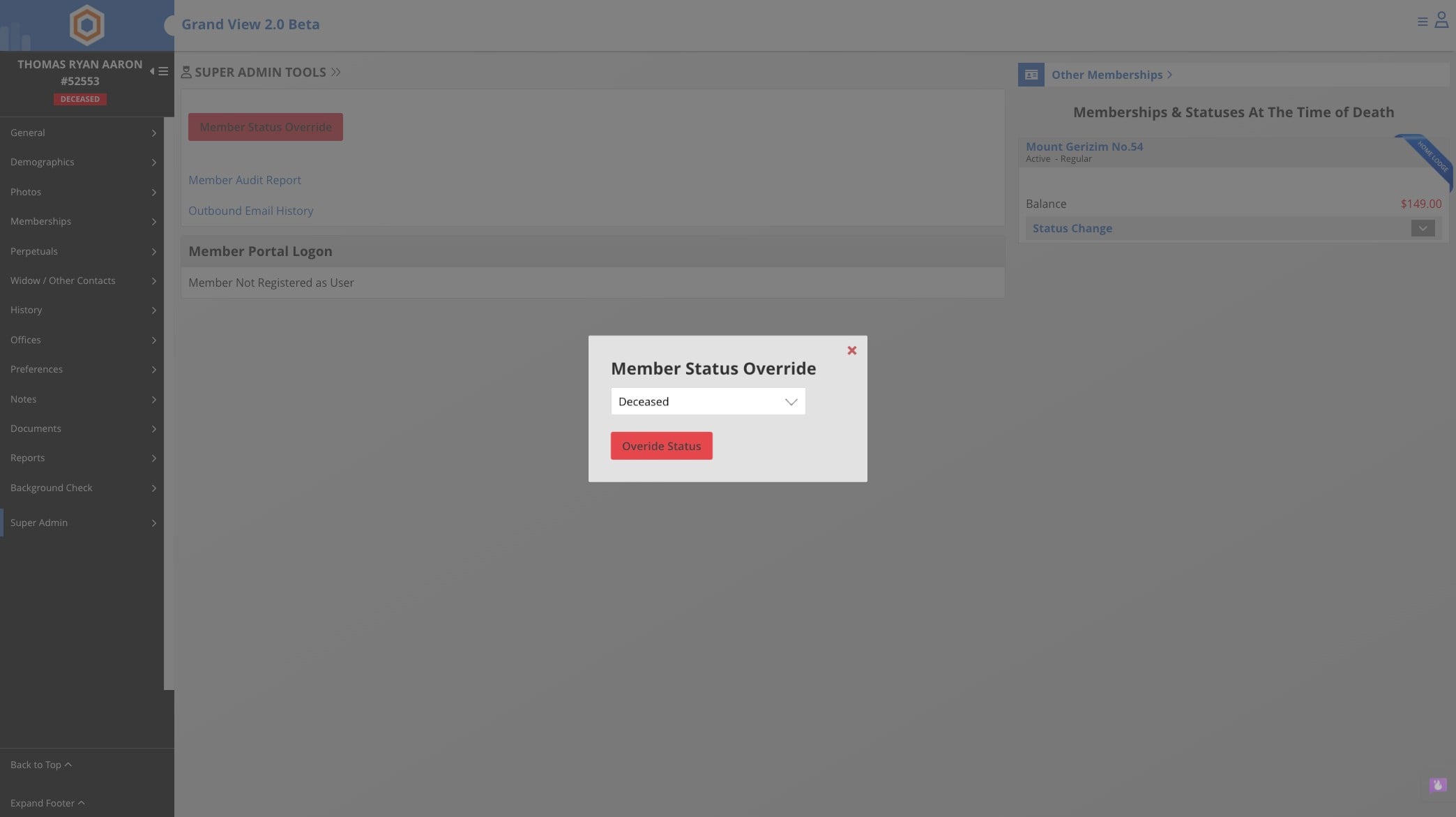
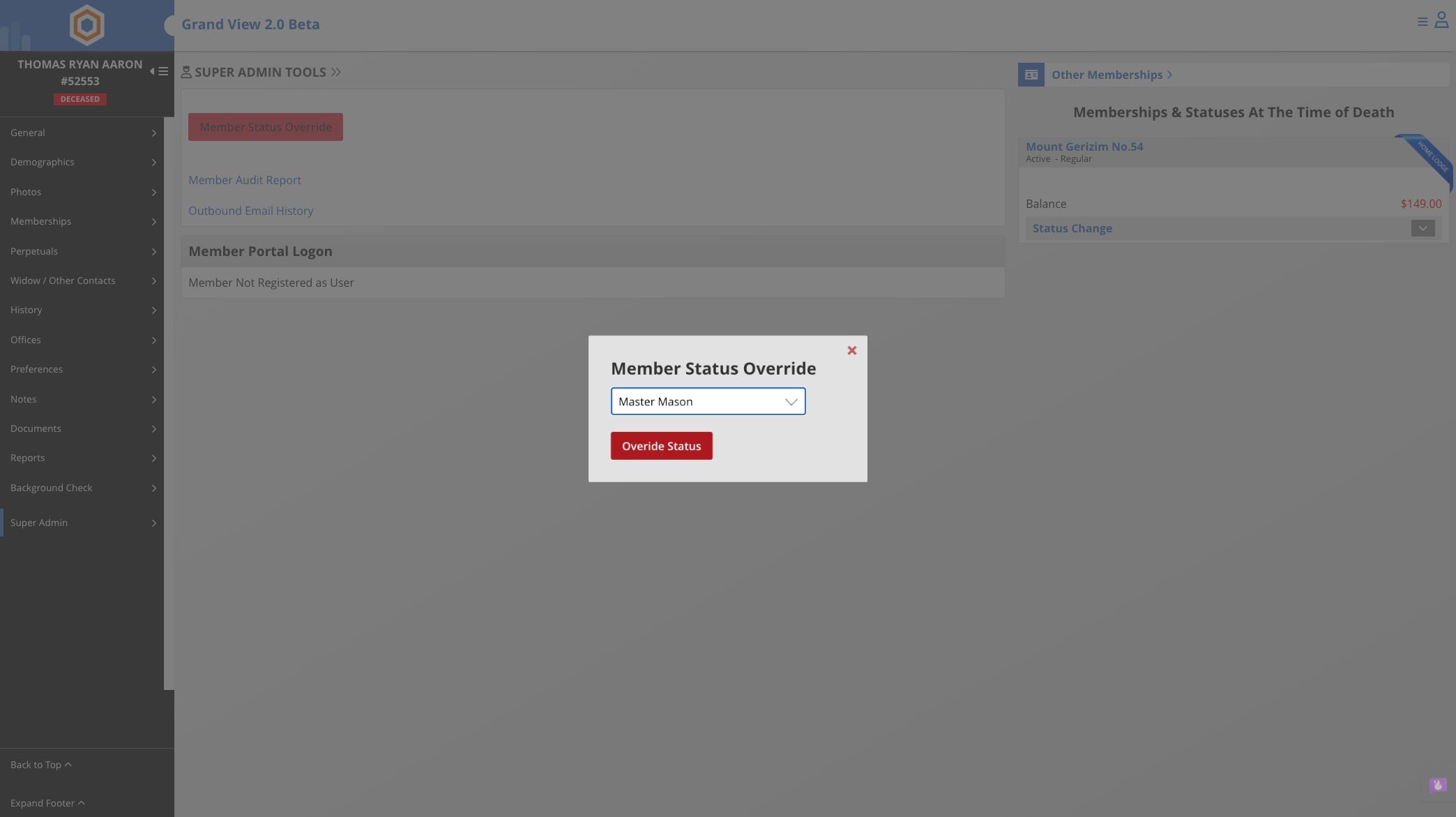
Select Master Mason or appropriate status for the member
Click here
Done 🚀