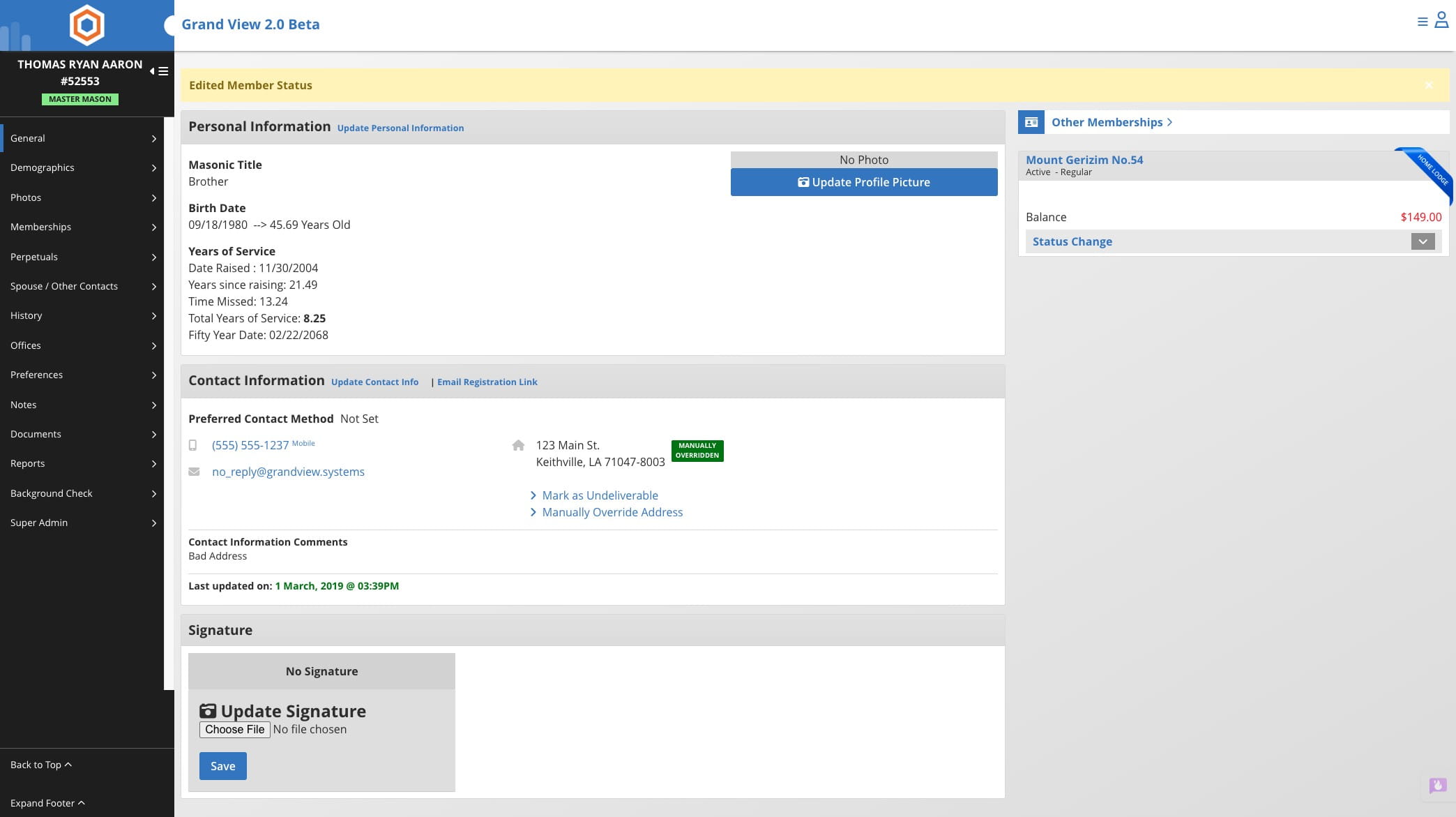
Change Status from Inactive NON MM
Learn how to change a member's status from Inactive NON MM in the Grand Lodge system. This action requires Grand Lodge Super Admin access and involves navigating to the Member Status Override option to restore a member's appropriate status, such as Master Mason. If you do not have Super Admin access, contact your Grand Lodge or Chapter for assistance.
Jun 22, 2026●
Changing a member's status from Inactive NON MM can only be completed by a Grand Lodge Super Admin.
1
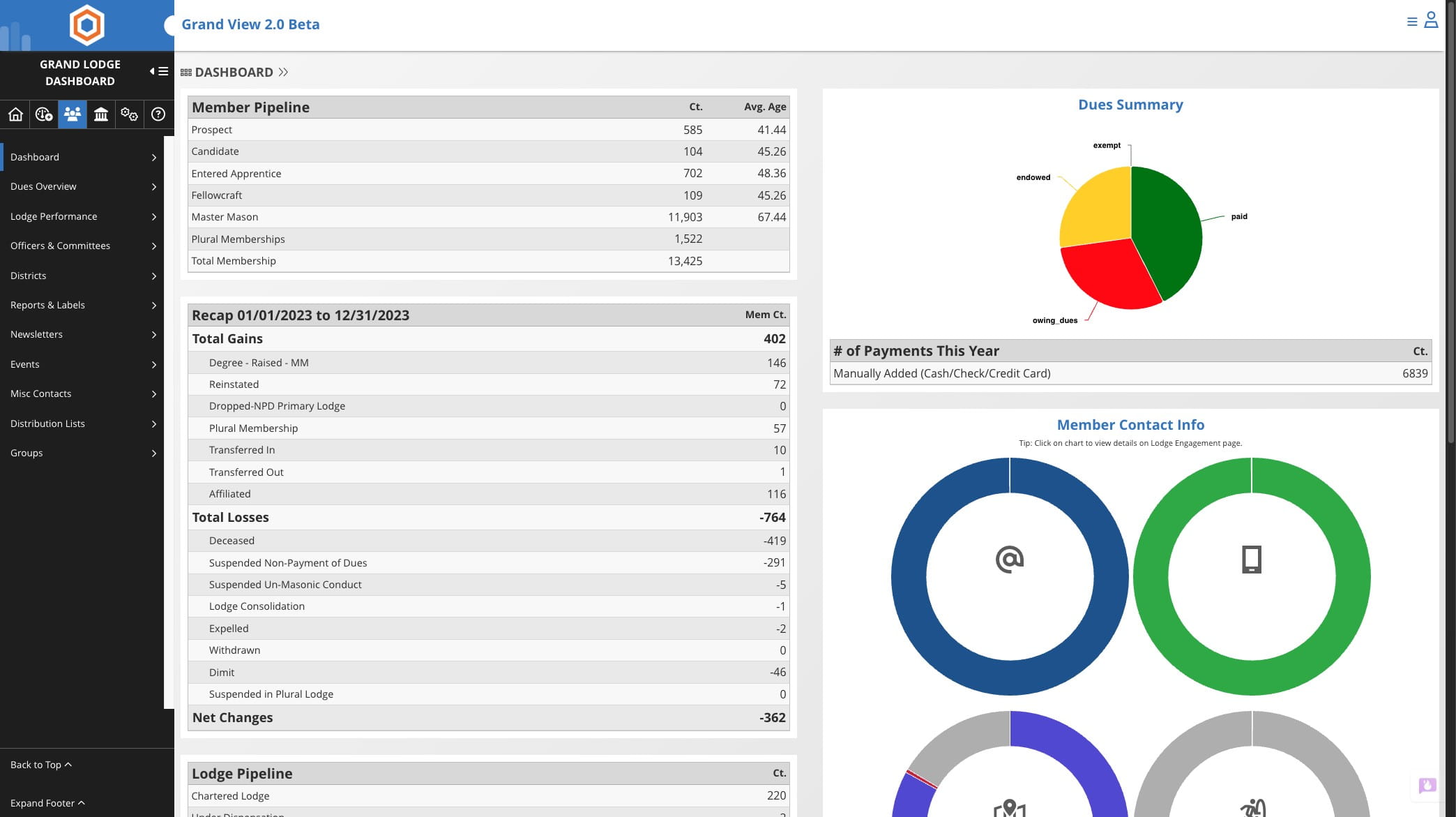
Click on Member Icon from the Grand Lodge Dashboard

2
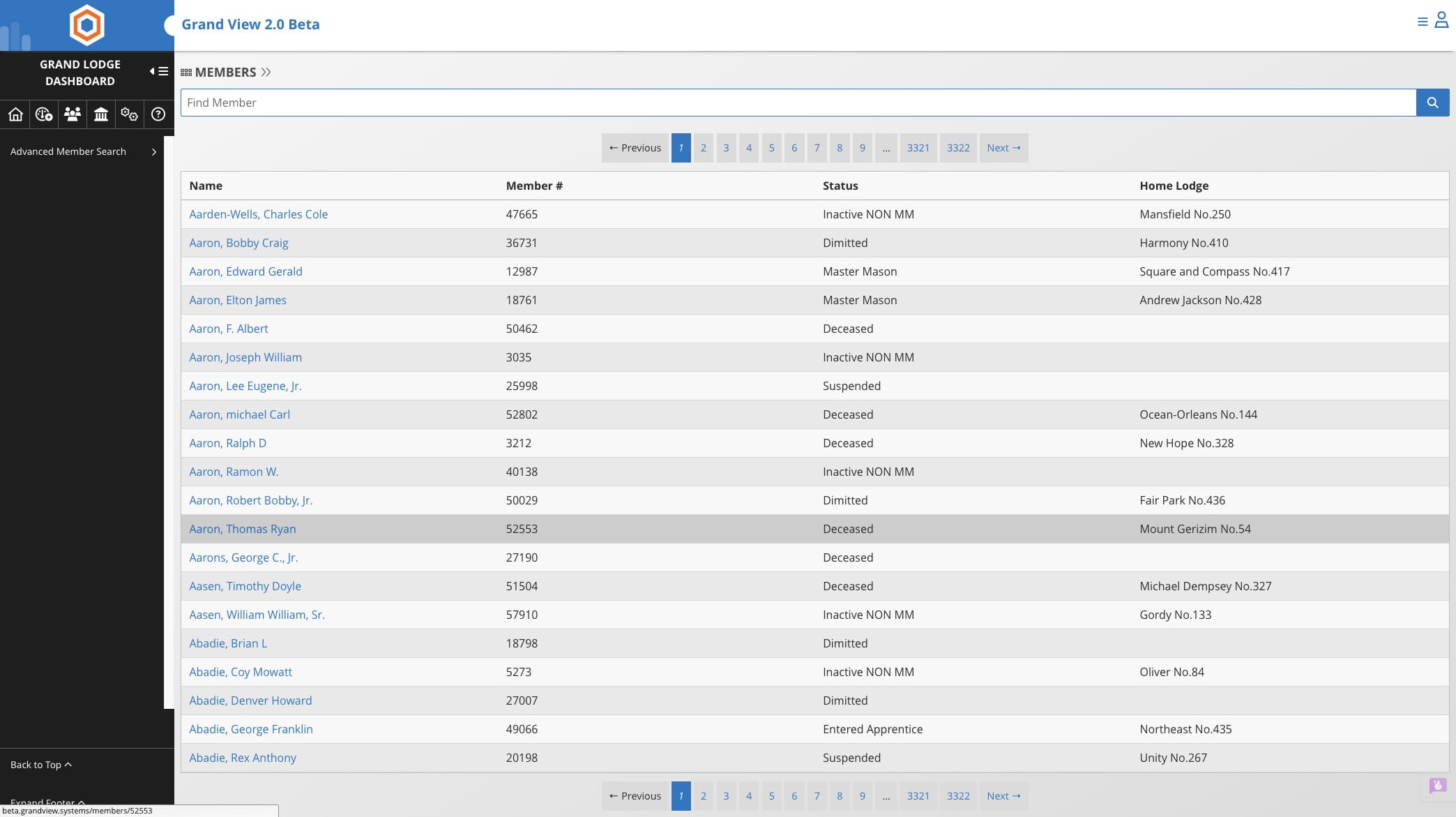
Click on "Aaron, Thomas Ryan"
3
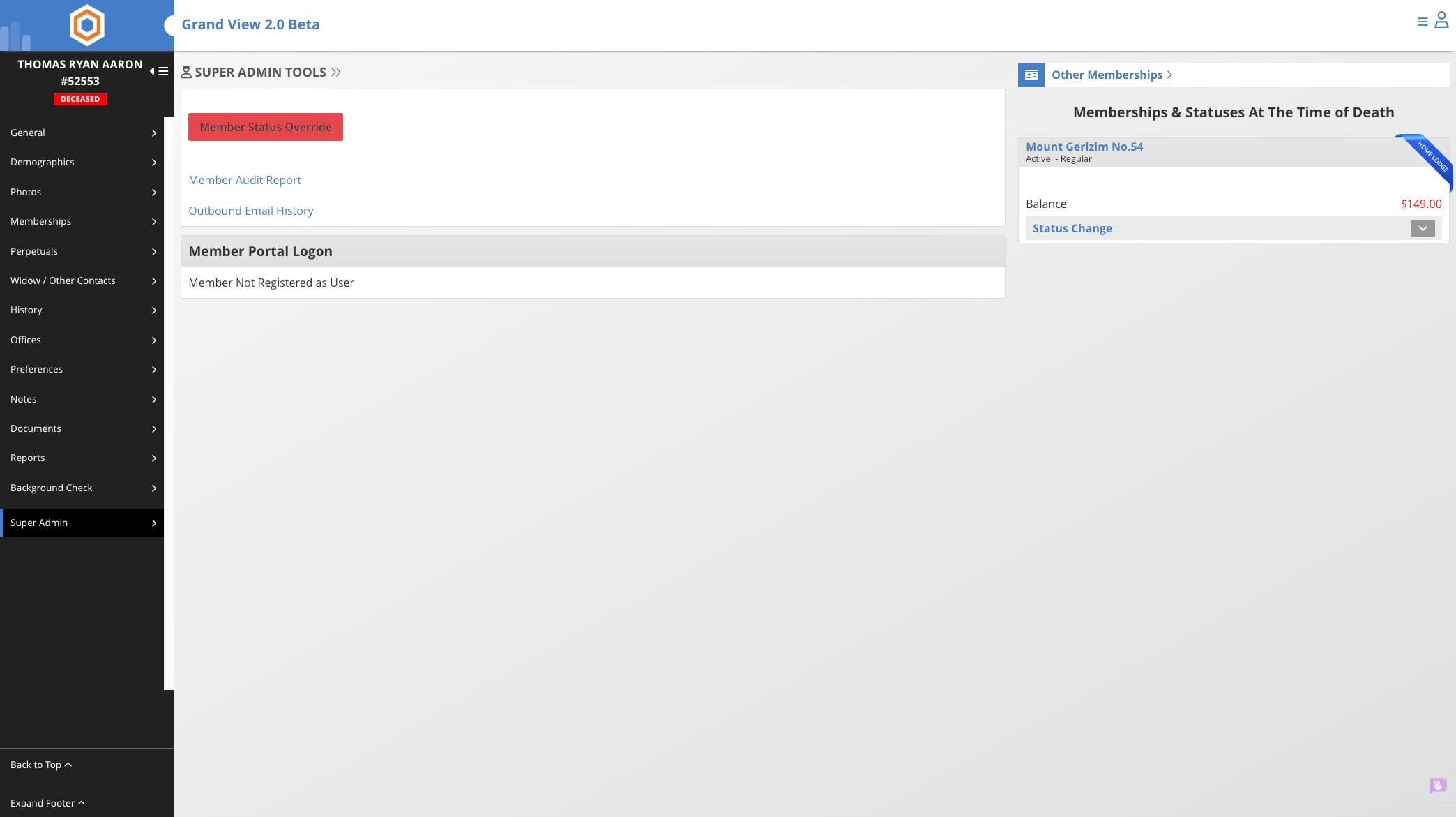
Click on "Super Admin"
4
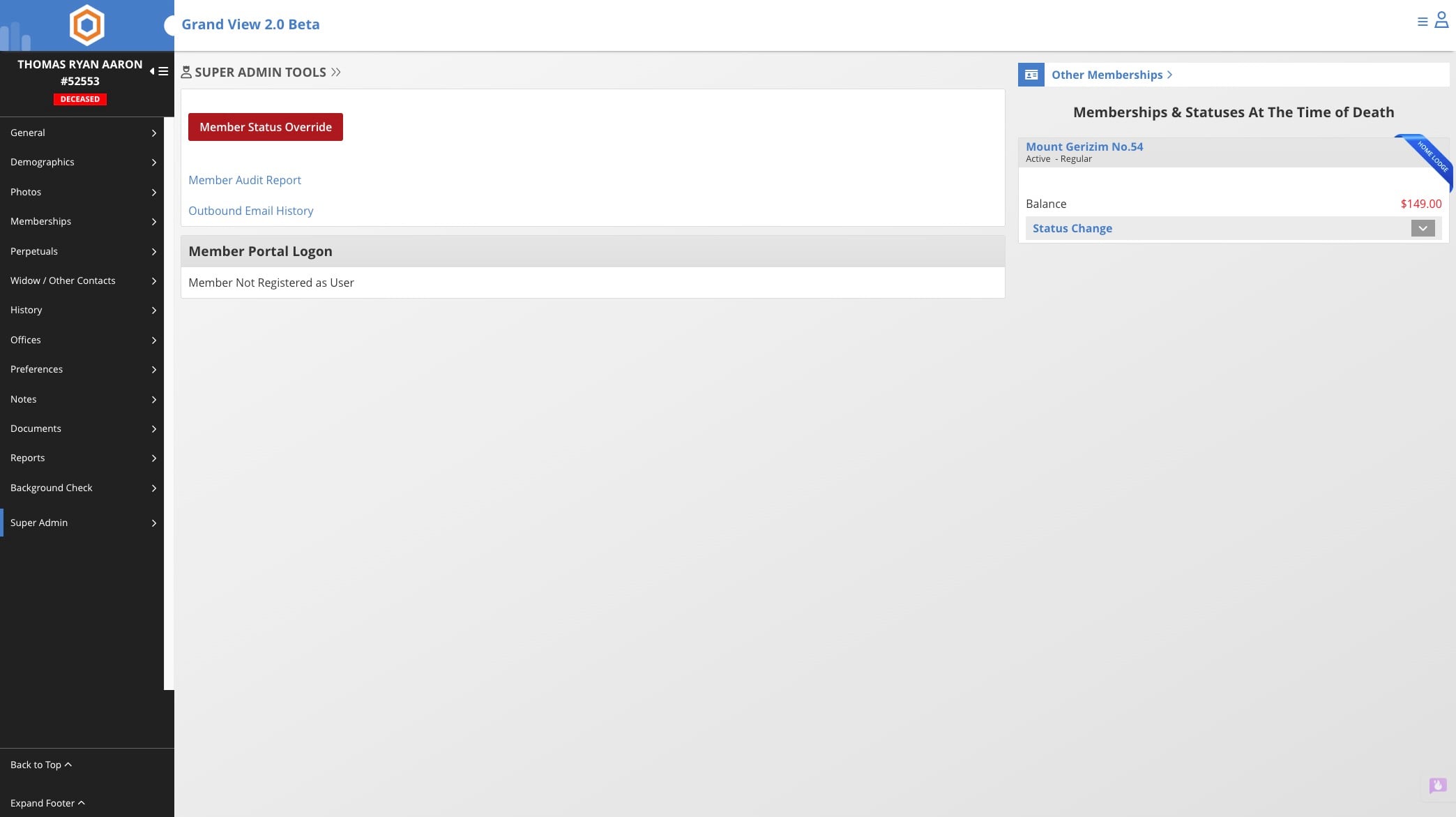
Click on "Member Status Override"
5
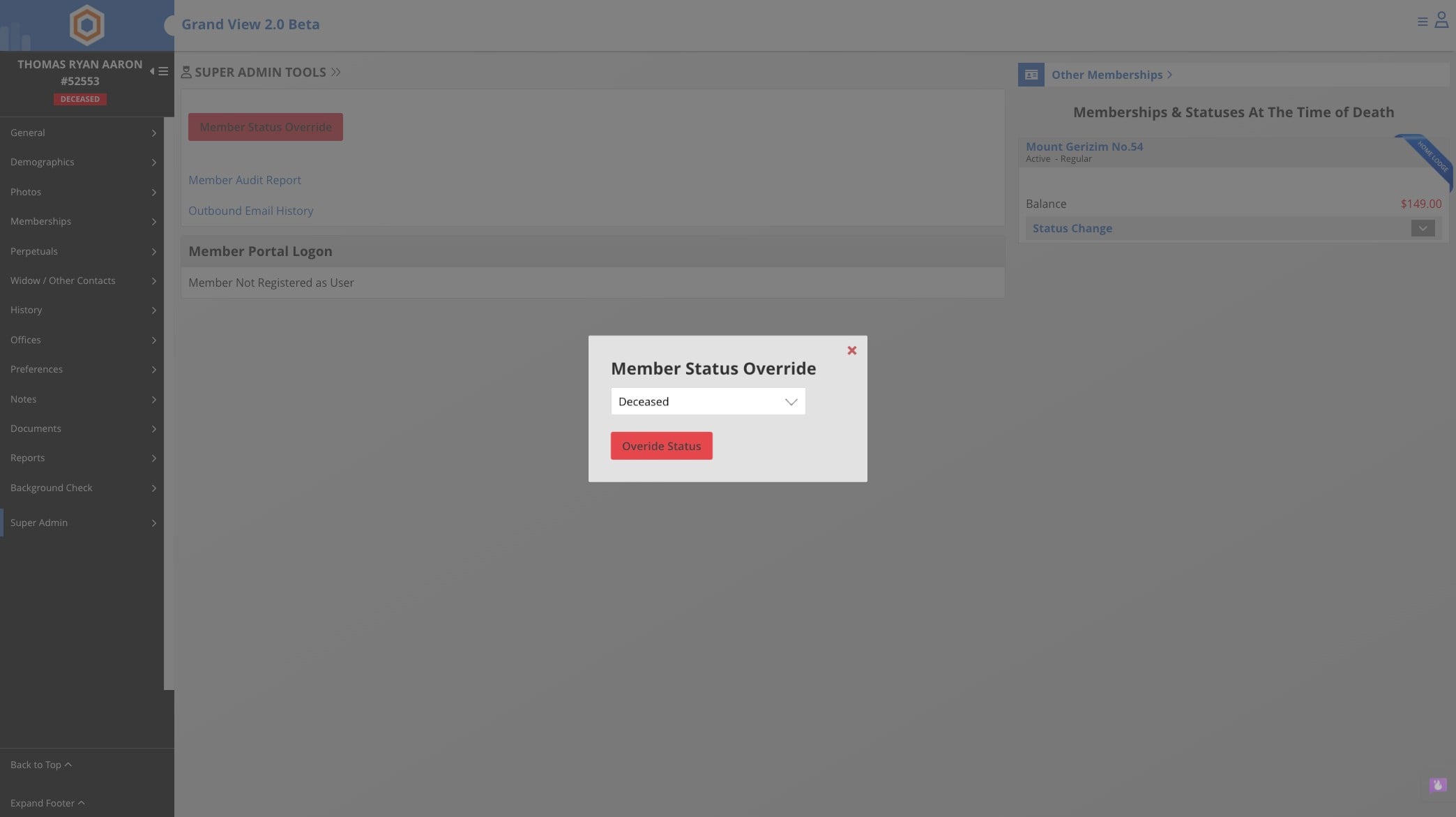
Select Master Mason or appropriate status for the member
6
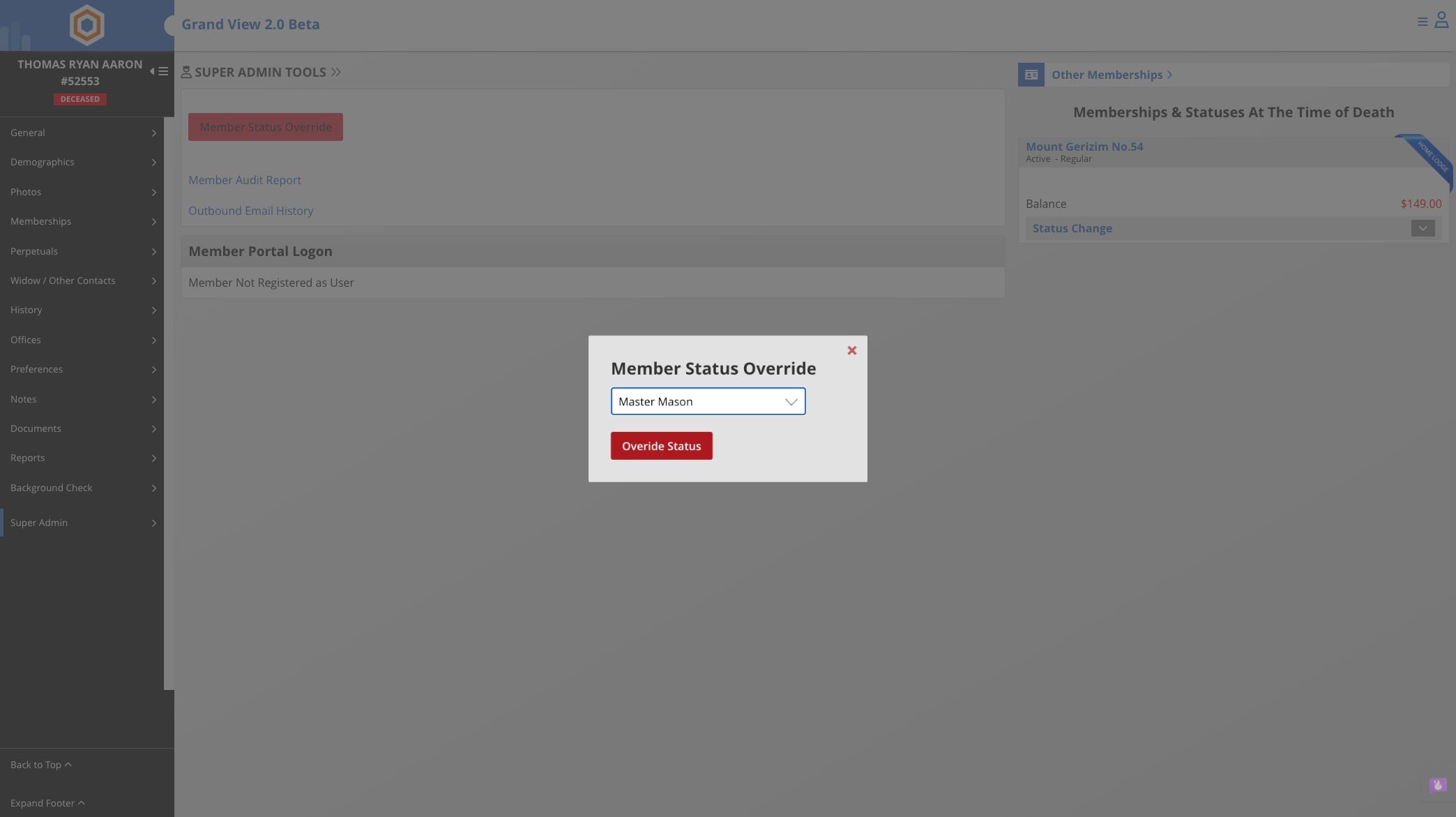
Click Override Status
7
Done 🚀