Expense Reports - Grand Lodge Configuration
Dec 09, 2025●
1
Navigate to Operations dashboard
2
Click this icon
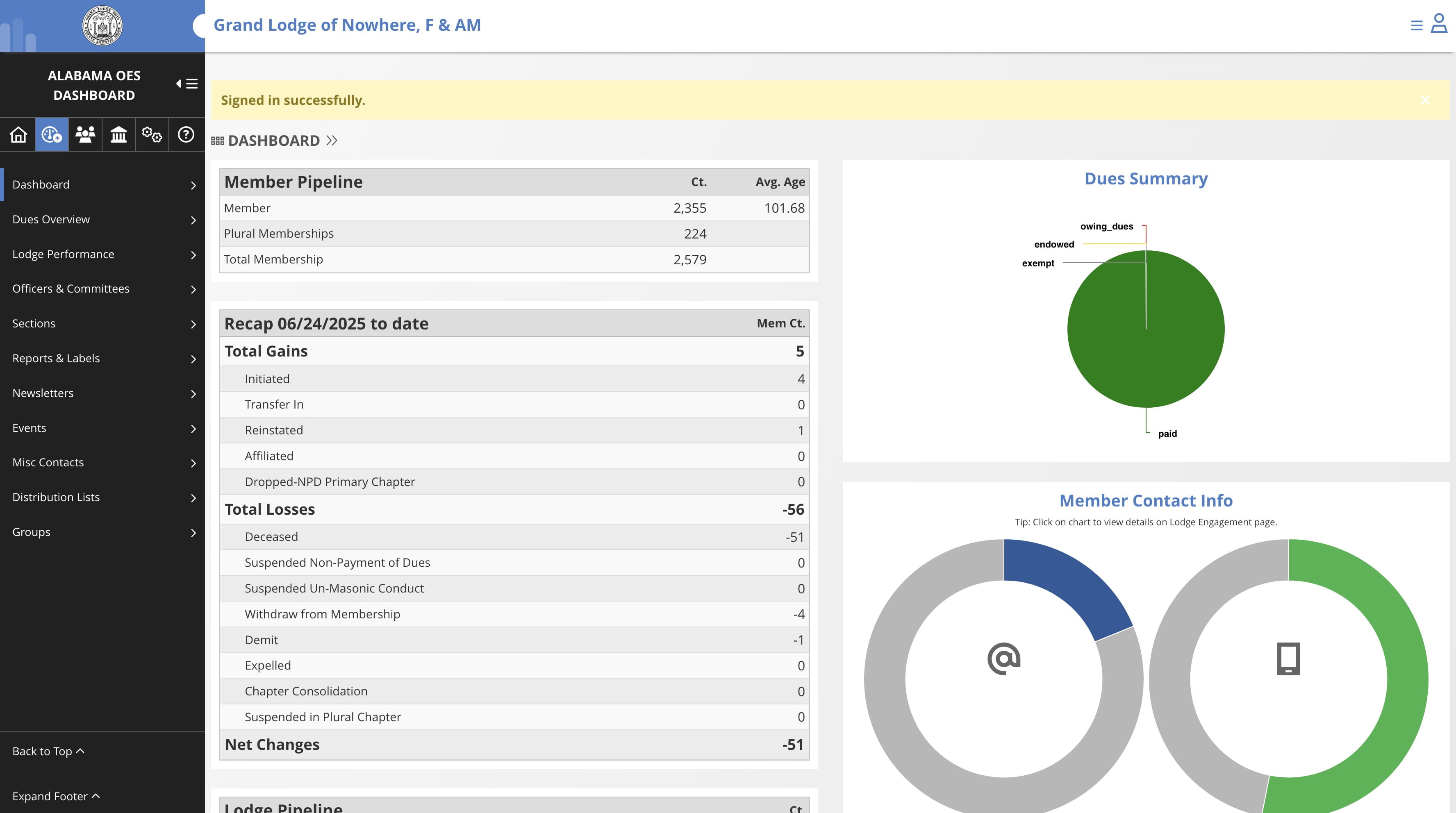

3
Click on "Activity / Expense Reports"
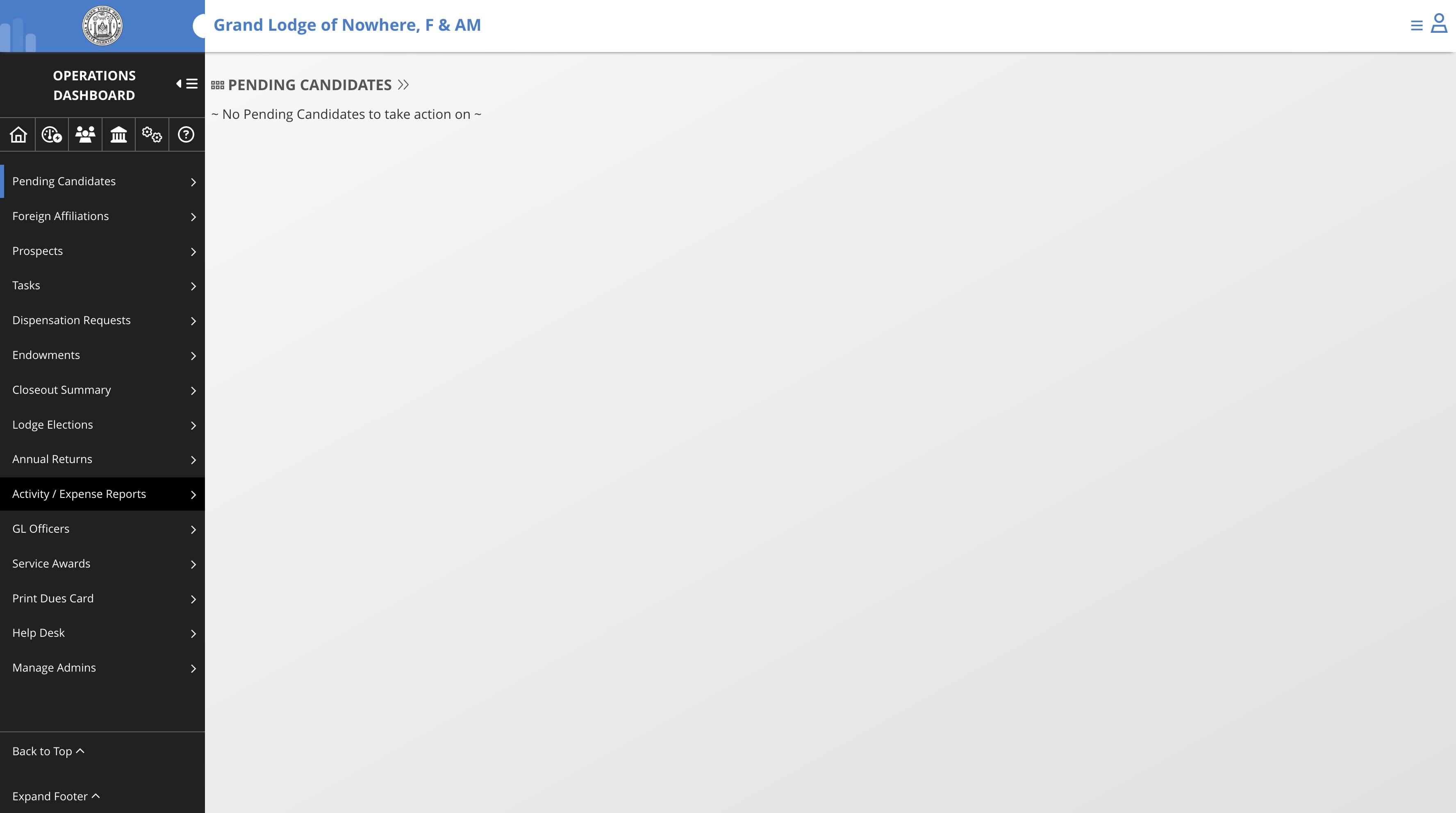
4
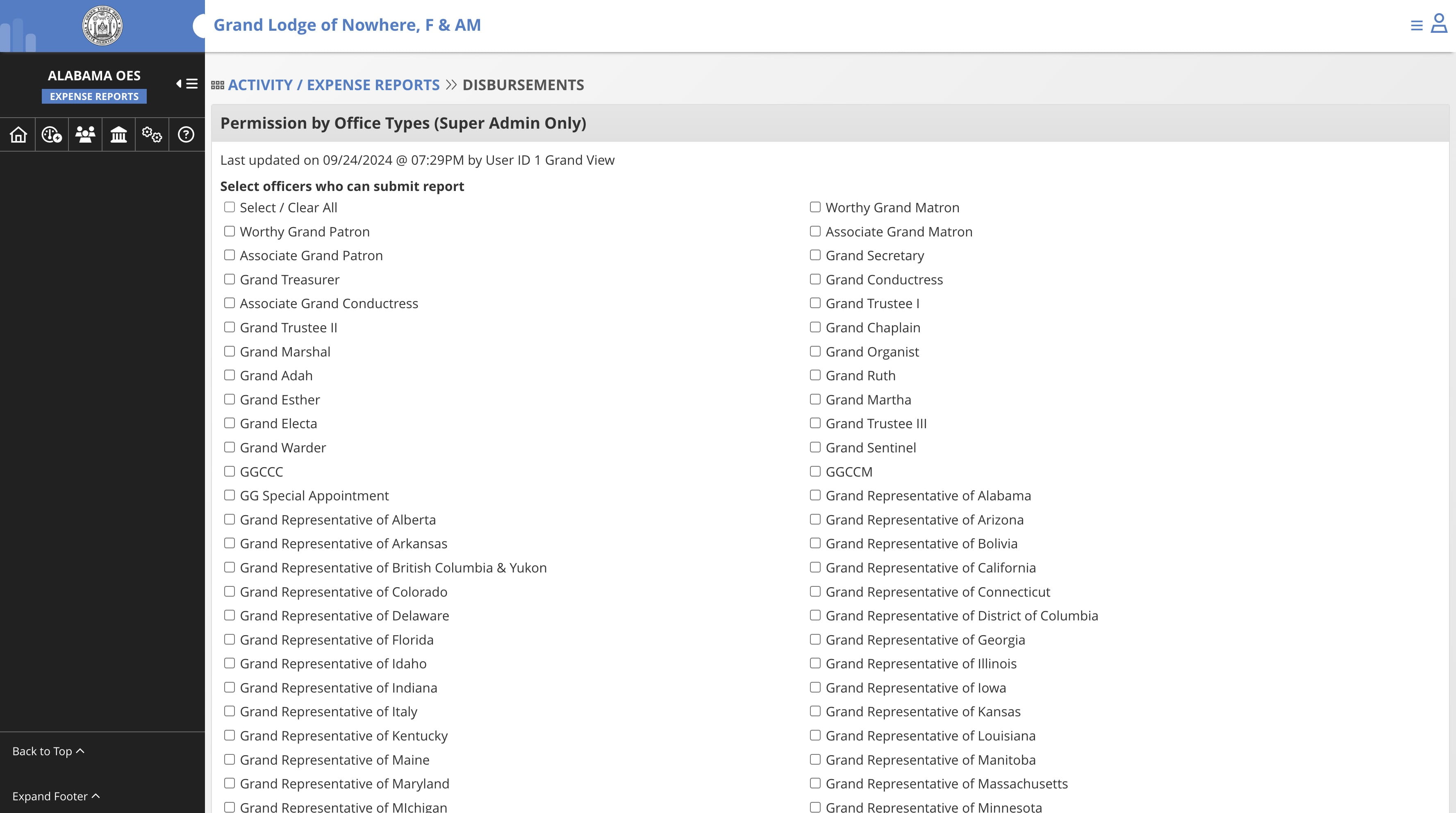
To configure who can submit the reports, Click on "Permissions"
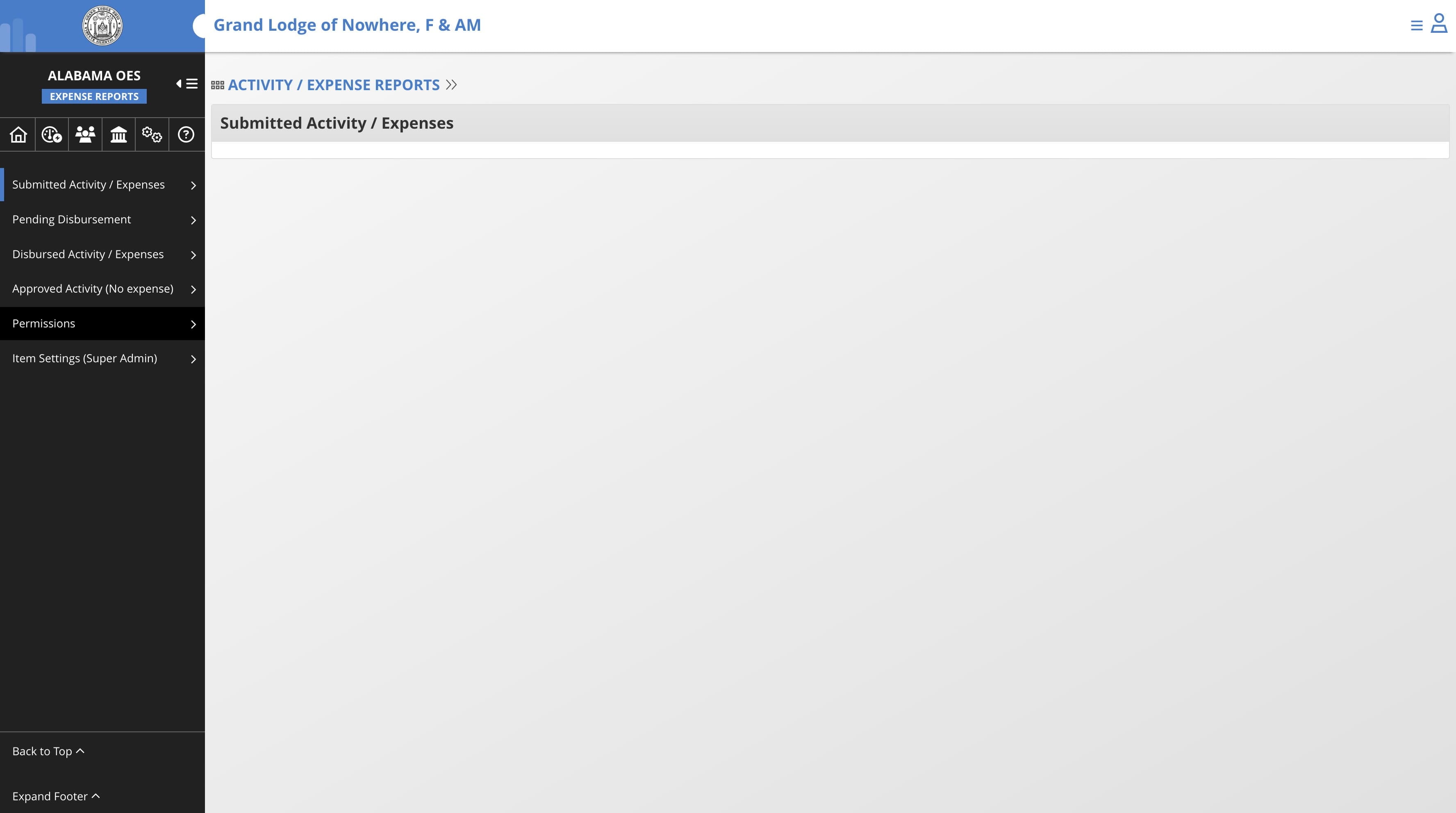
5
Sekect the offices that can submit expense reports
6
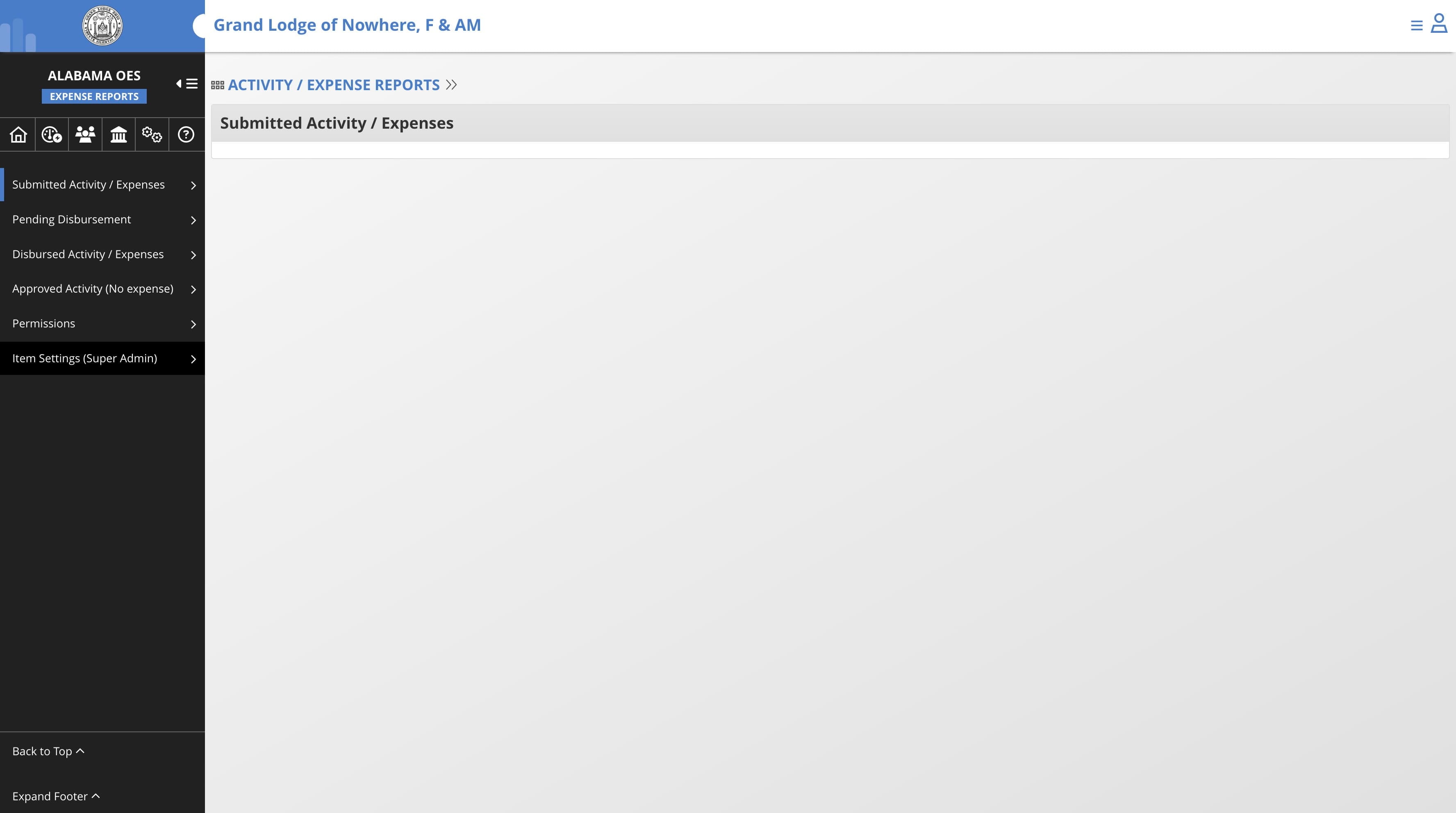
To configure the reimbursement items, Click on "Item Settings (Super Admin)"
7
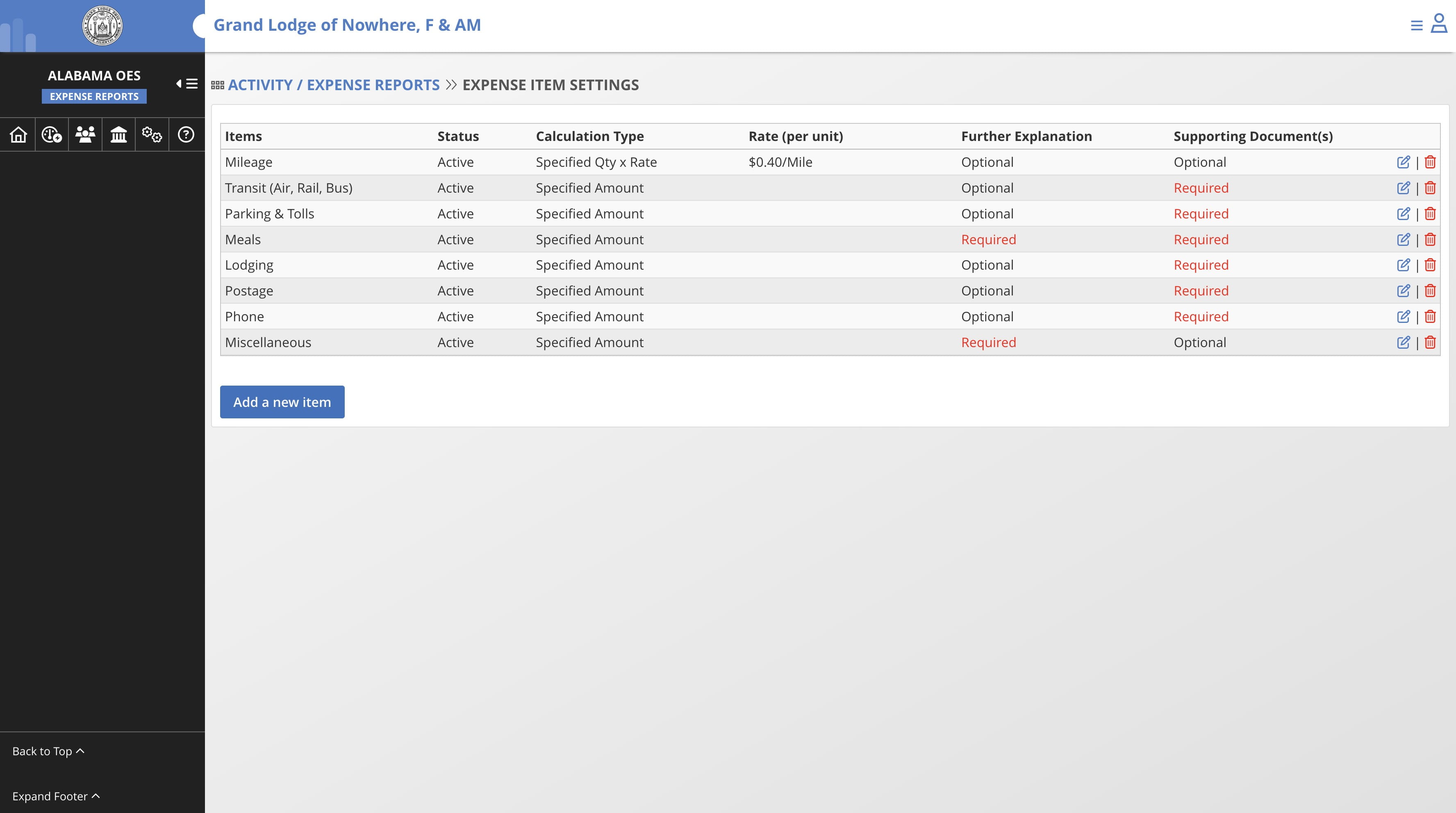
Click on "Add a new item"
8
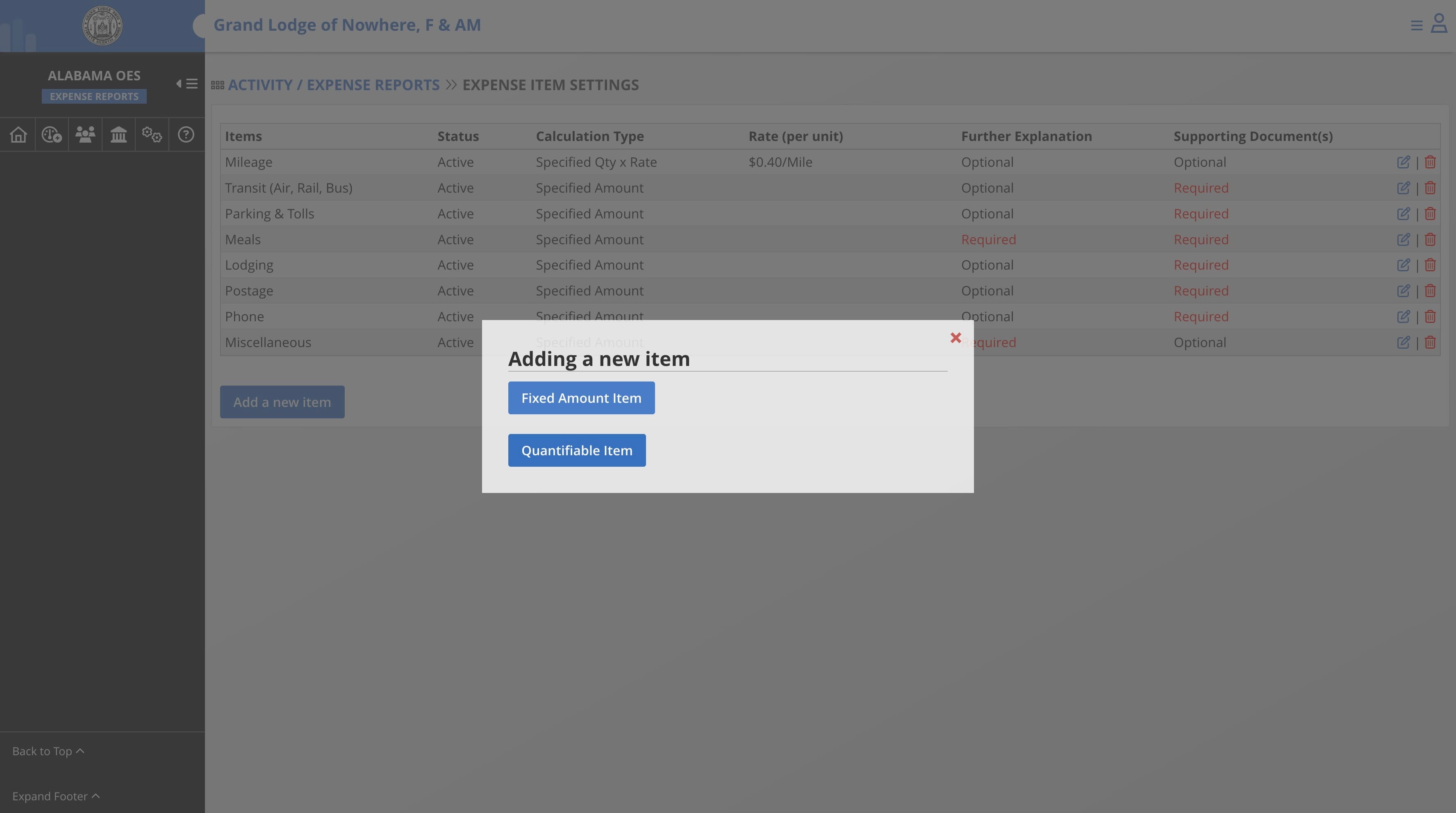
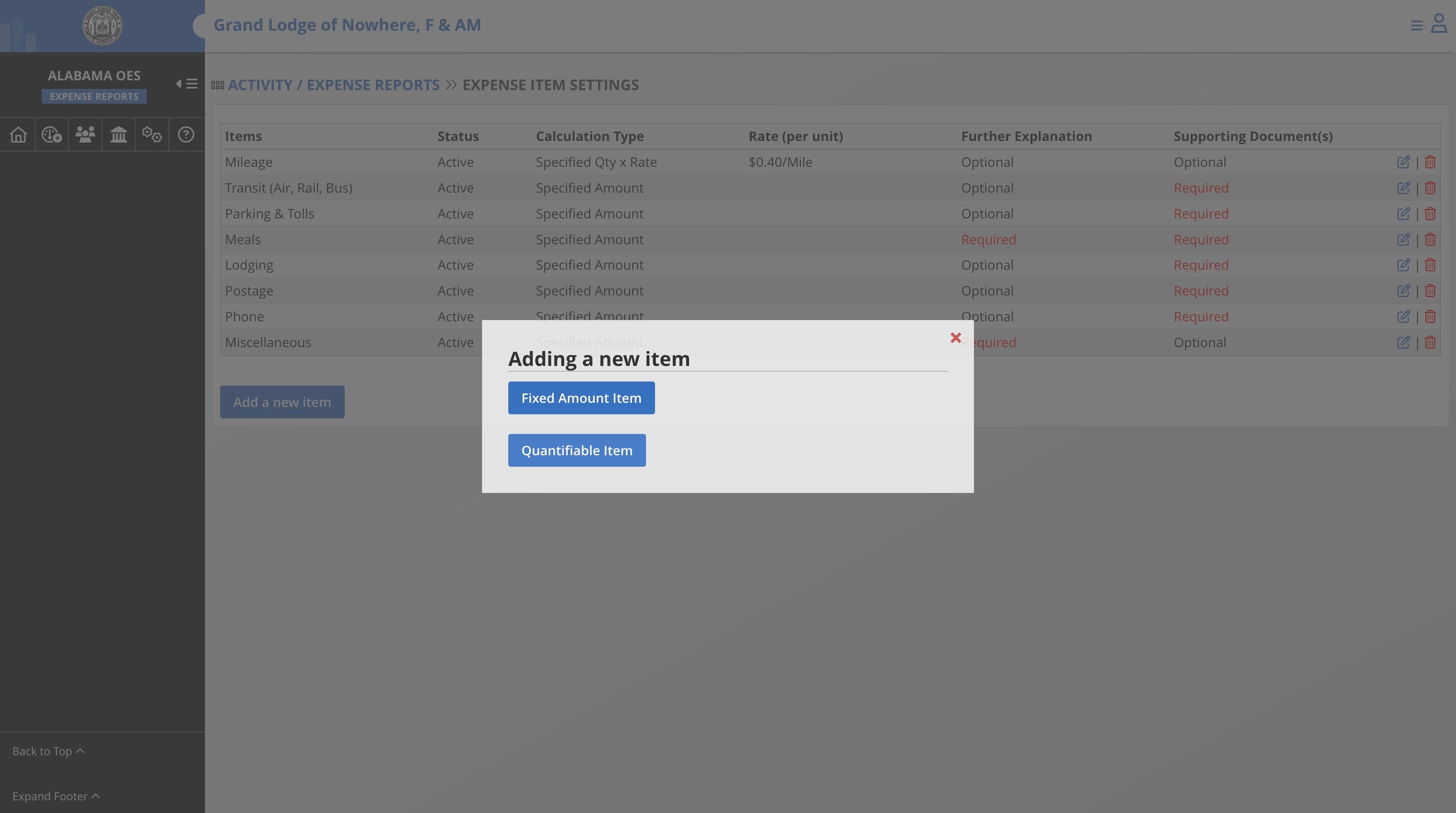
Select "Fixed Amount Item" to allow users to submit item that can be reimbursed at a flat rate
9
Select "Quantifiable Item" to add an item that users can submit for reimbursement at Rate x Quantity. Exemple: Mileage $20/day