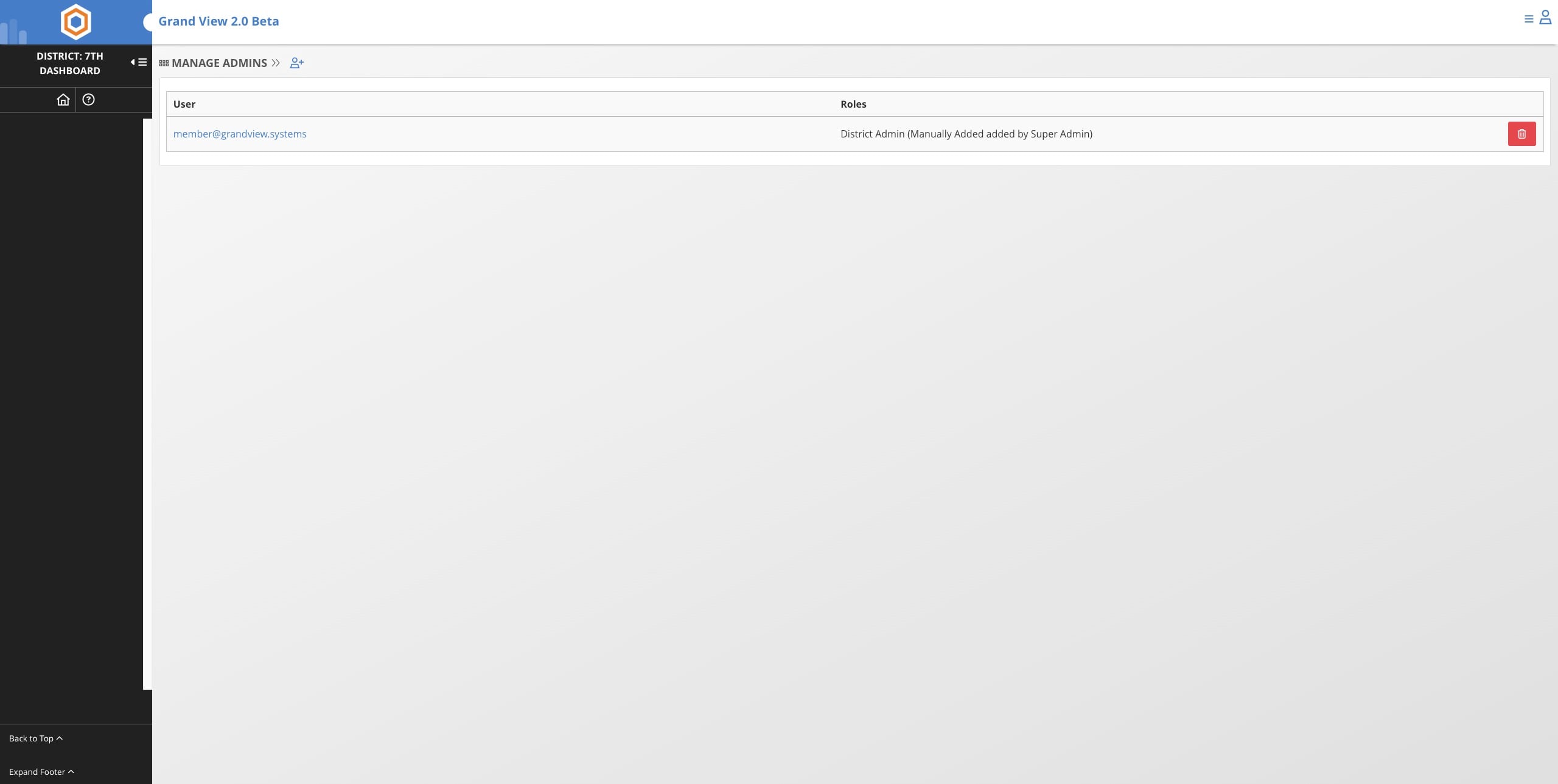
Add District Admin Permissions
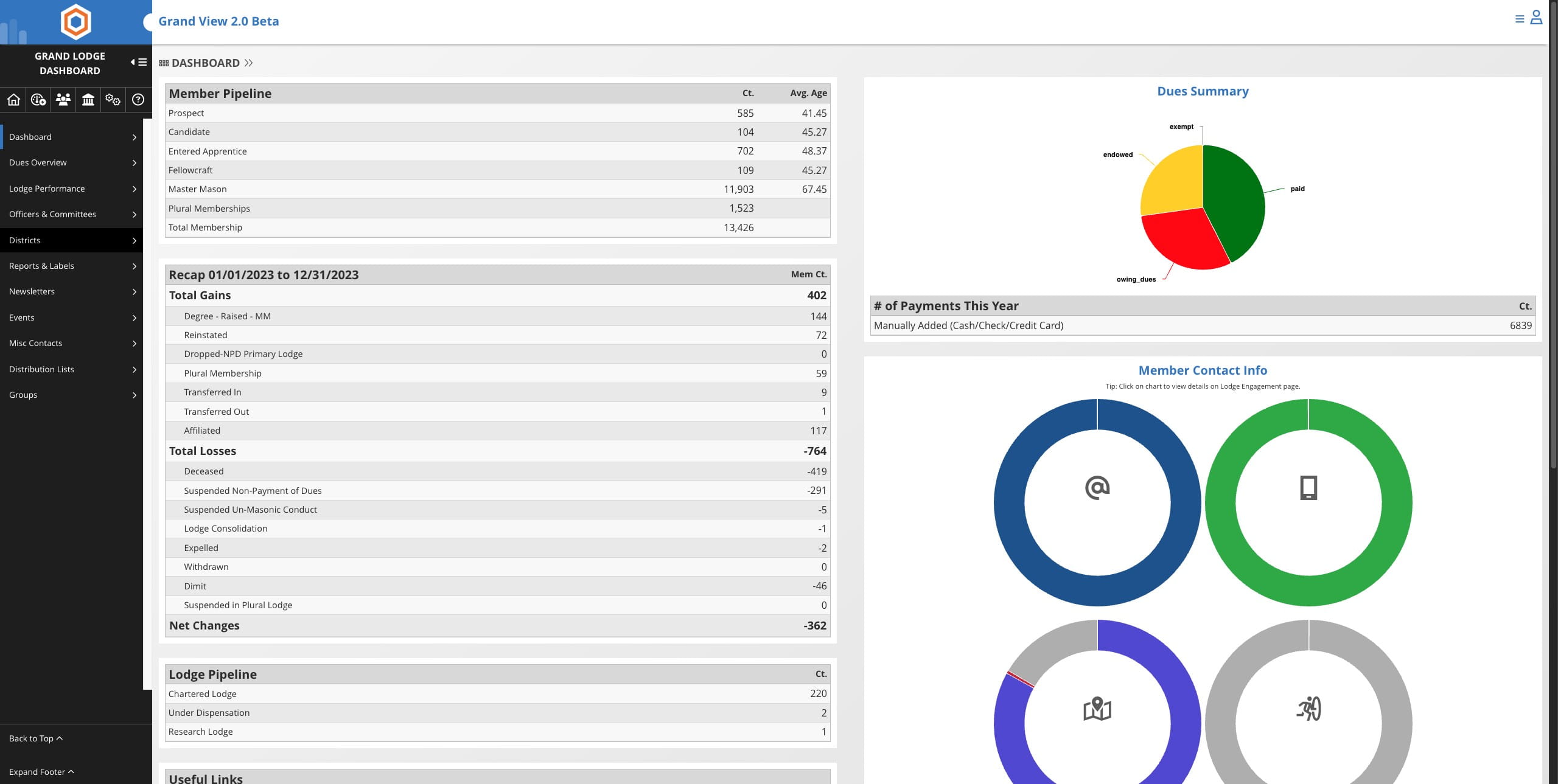
Click on "Districts"

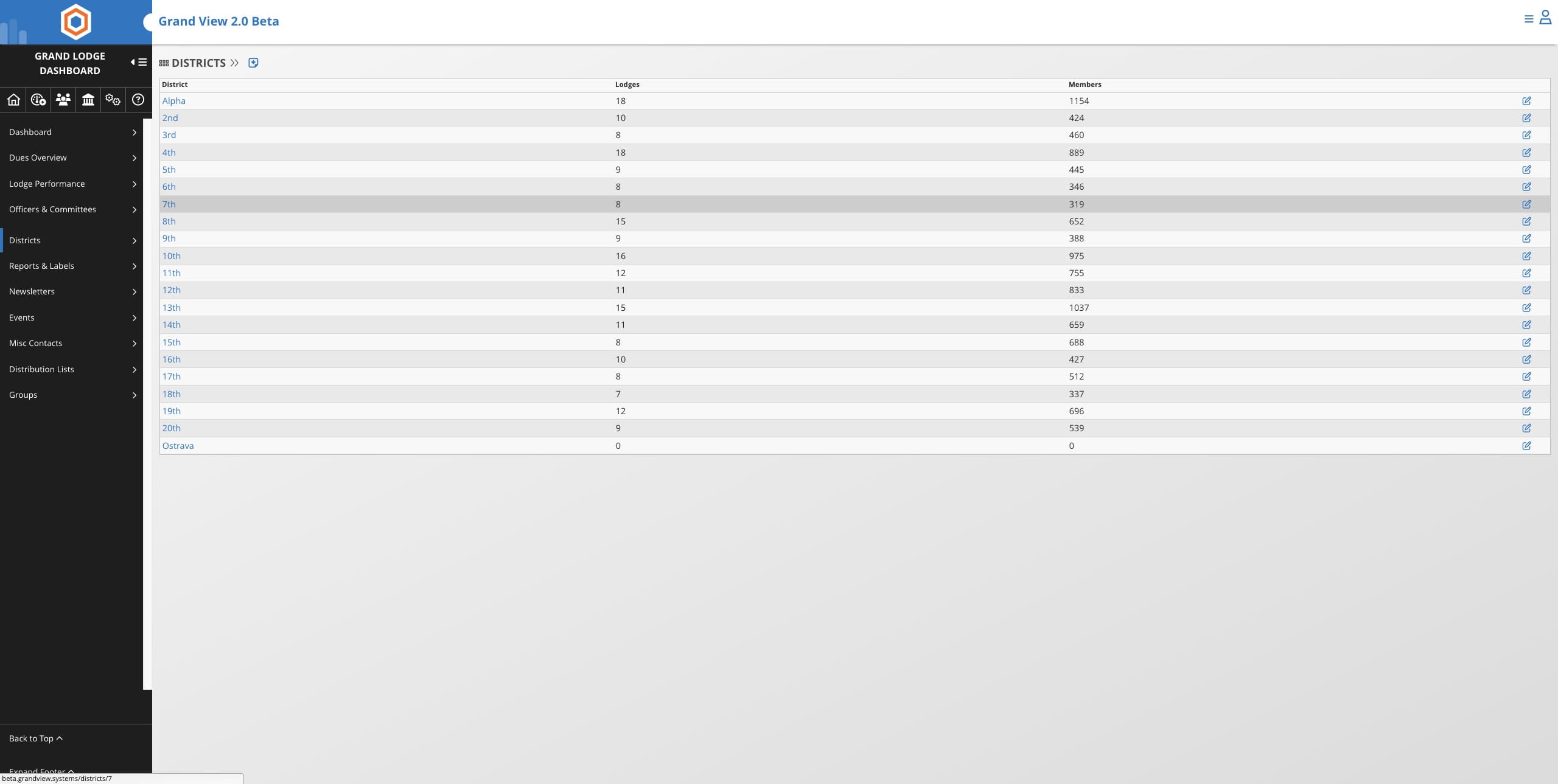
Select the district from the list
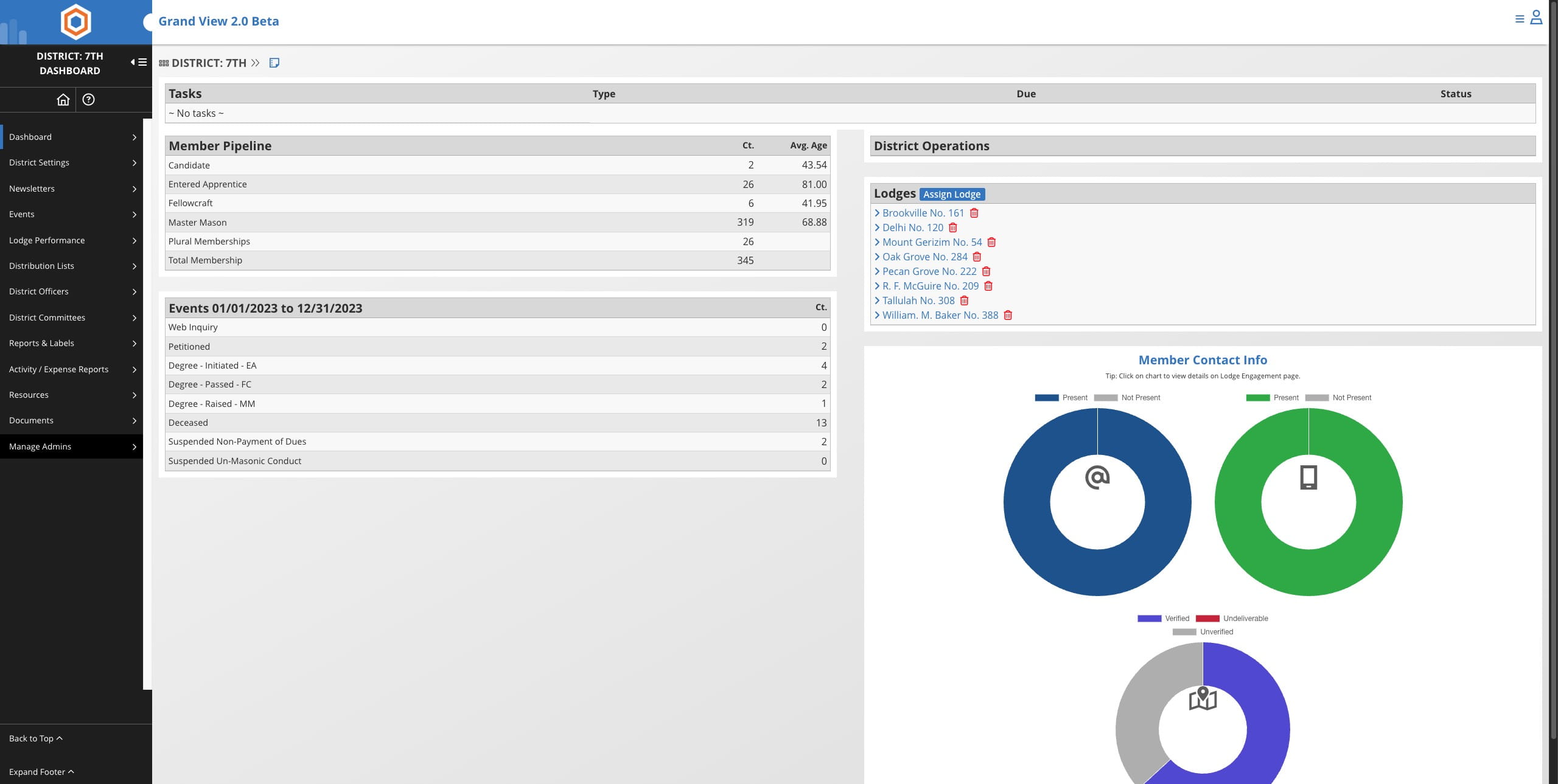
Click on "Manage Admins"
Click the Add icon
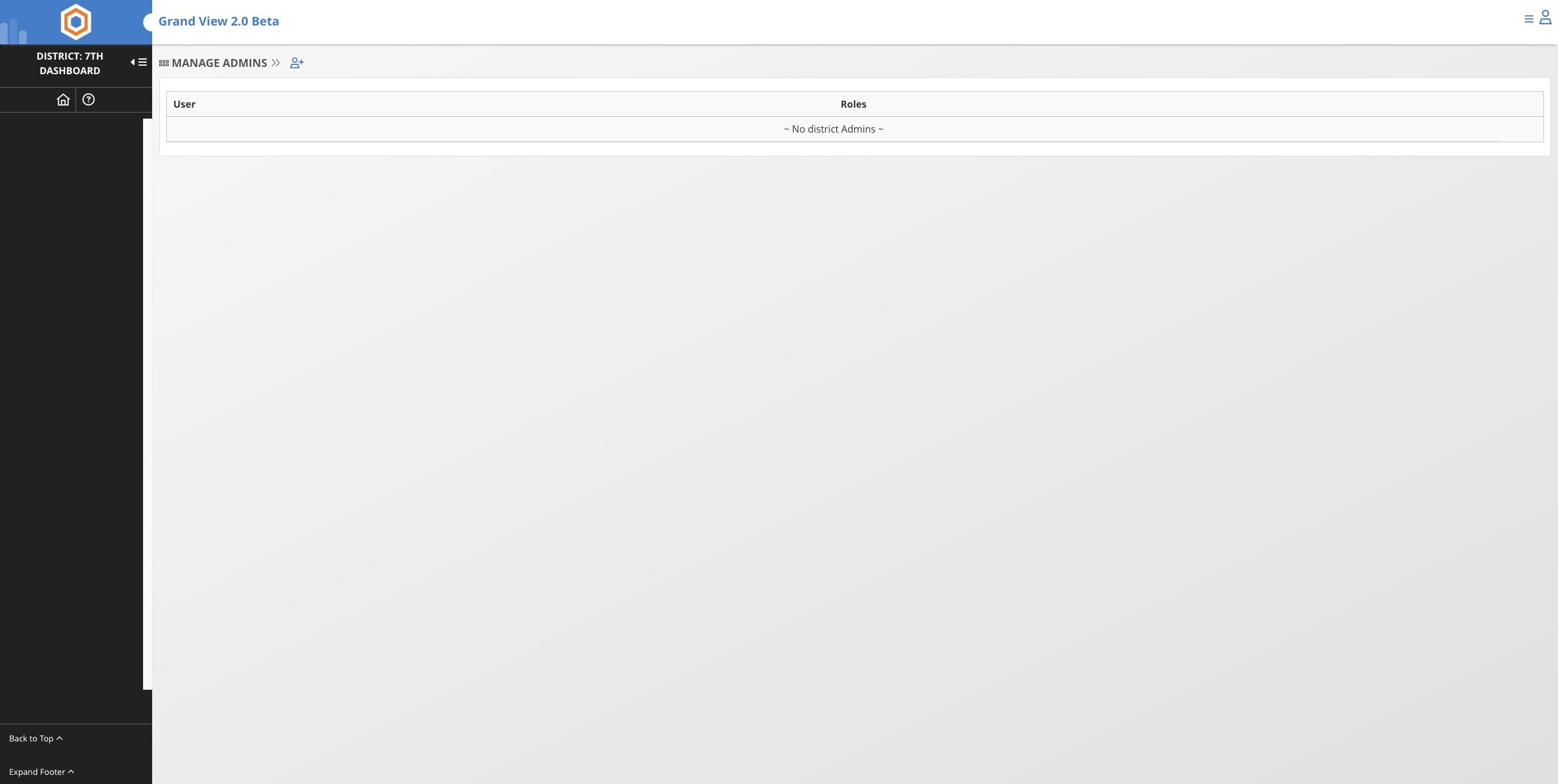
In order to add admin permissions to a user, that member must first register for the member portal. You can find out if they have registered by going to the "Super Admin" link on their member record.
Select the member's name from the dropdown
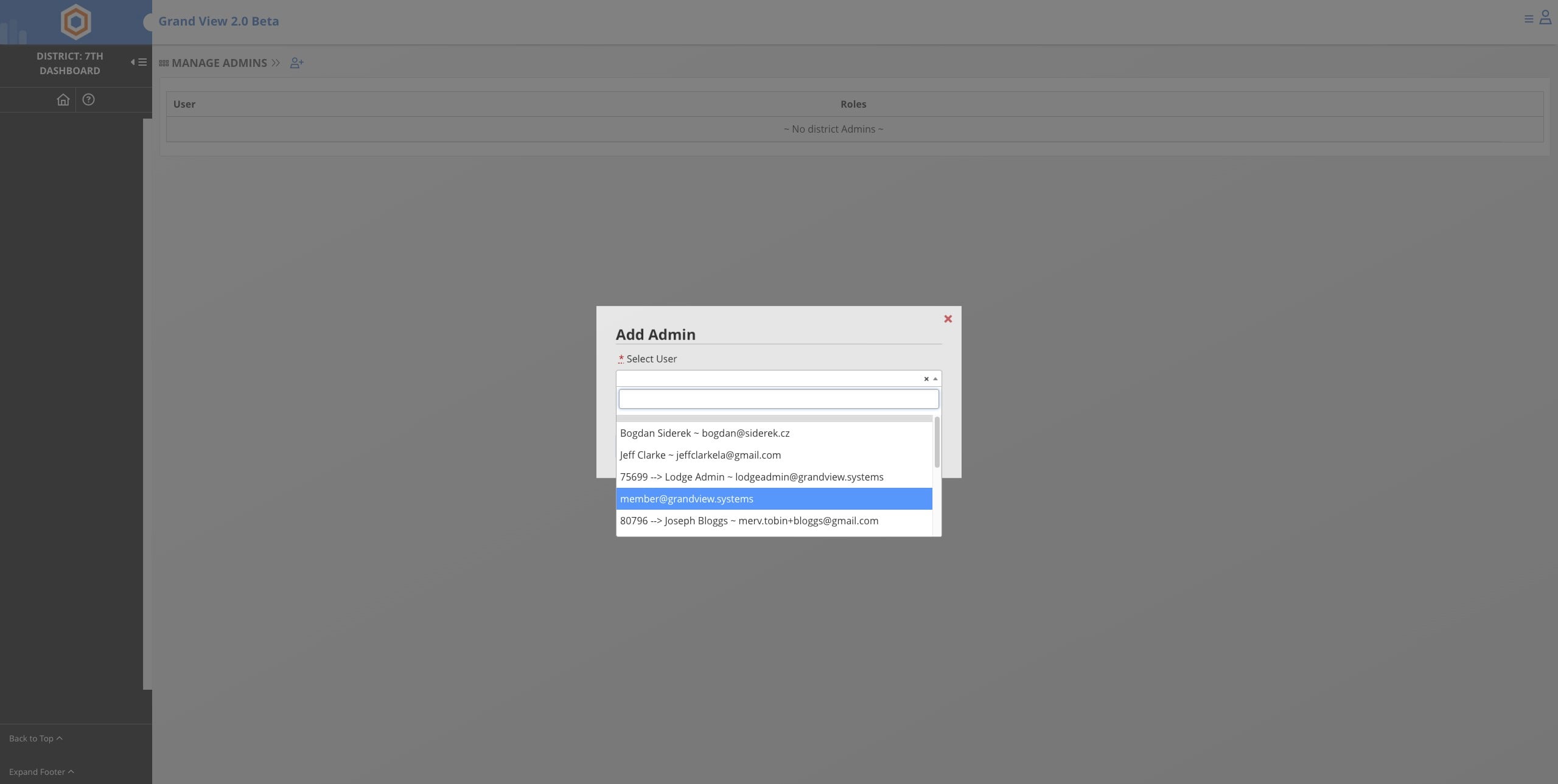
If the member currently has district admin view permissions and needs to have District admin permission you will need to update the District admins permissions first. You must remove the District admin view permission first by clicking on the red button to remove the permission shown, Then you can follow the next steps.
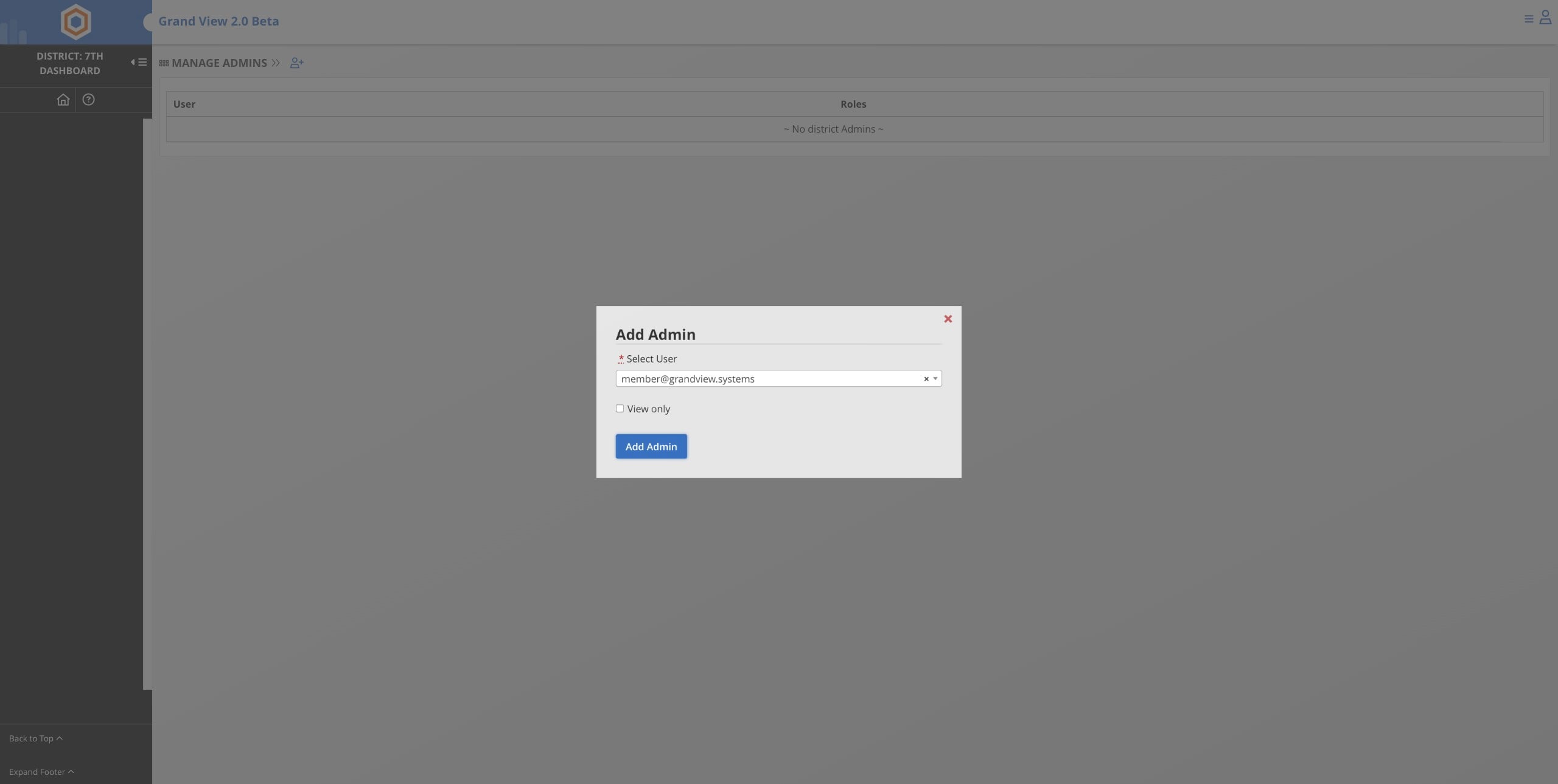
If the admin requires view access of the District select the "View Only" box before clicking on "Add Admin". This will allow the member to view but not change anything in the District Dashboard.
Click Add Admin
Done 🚀