

View Newsletter Analytics
Learn how to access and download newsletter analytics to track email delivery and engagement metrics.
Jul 14, 2025●
1
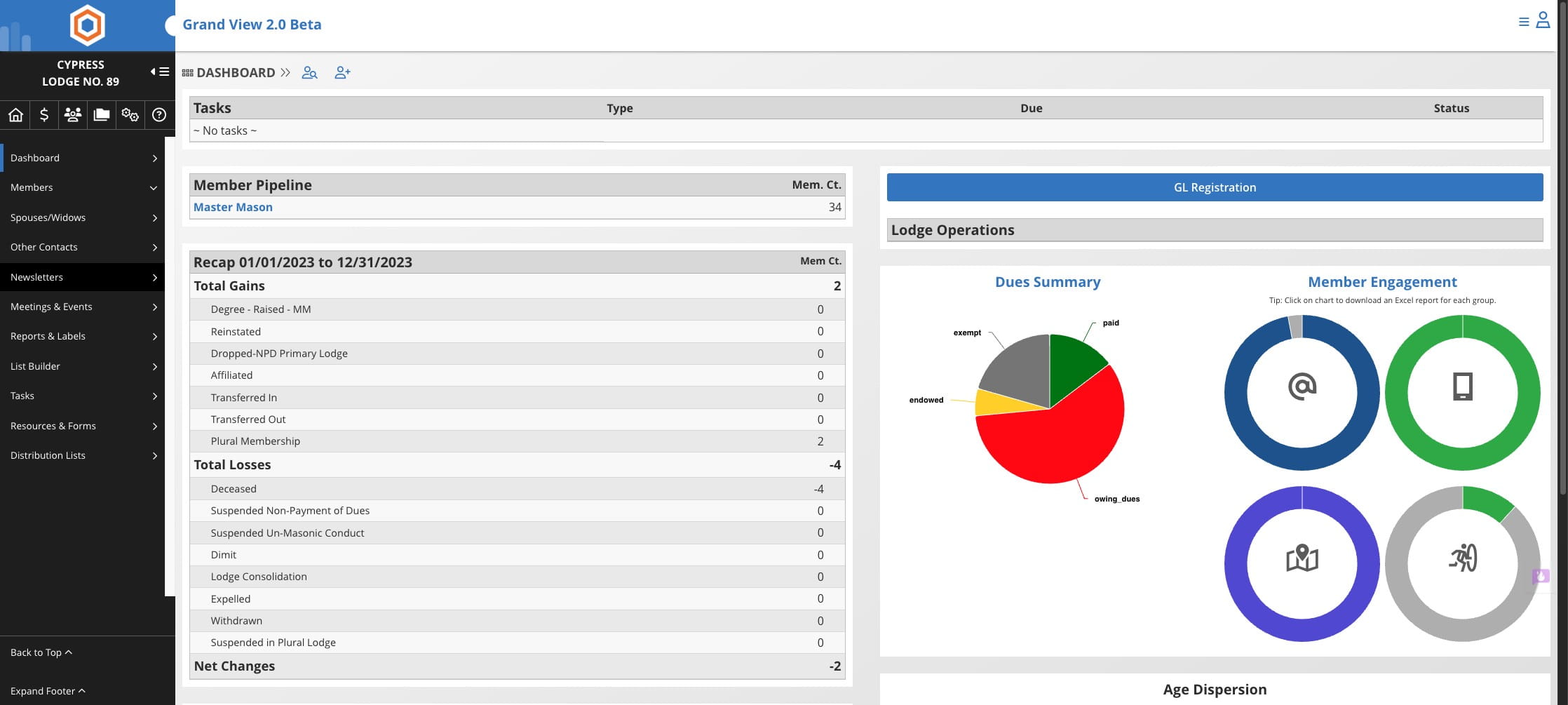
Click on "Newsletters"

2
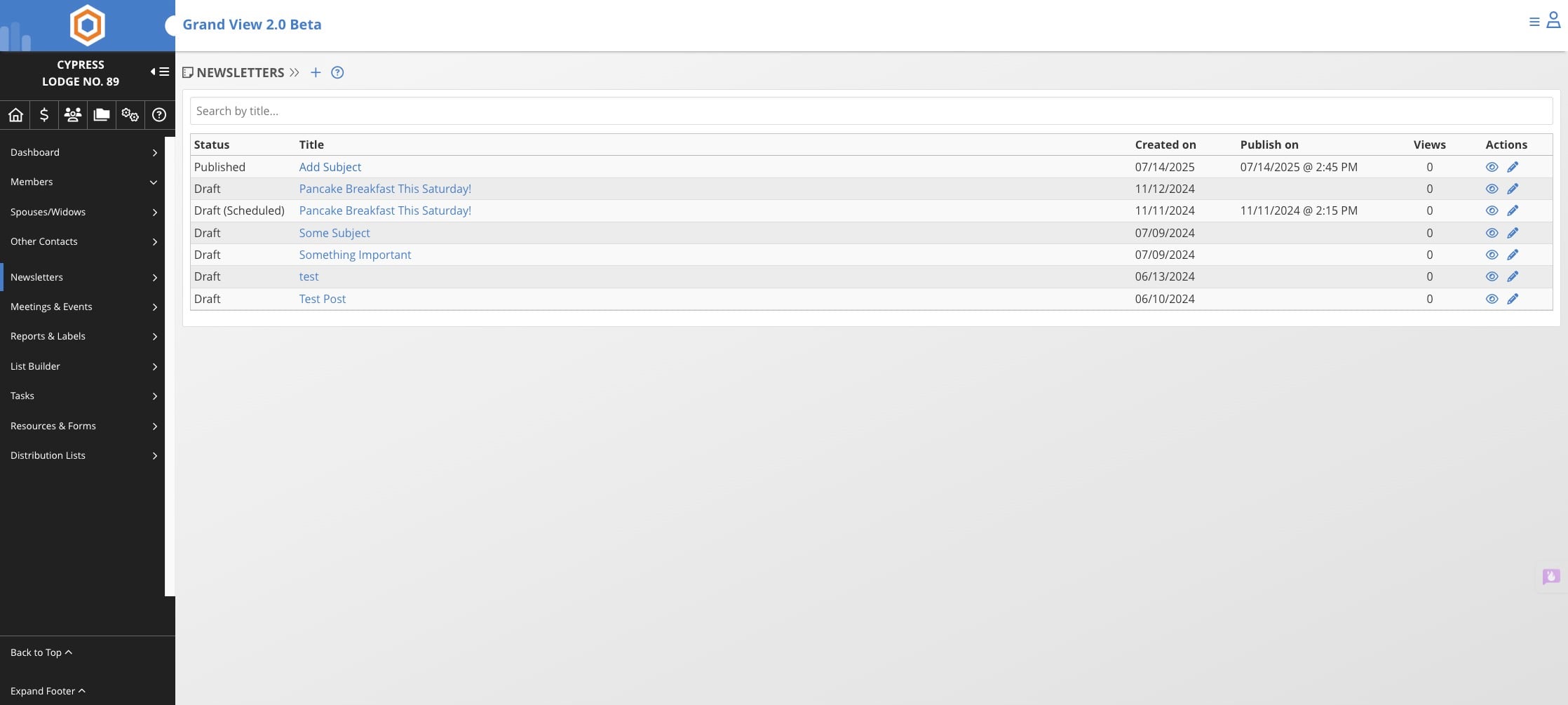
Click on "Add Subject"
3
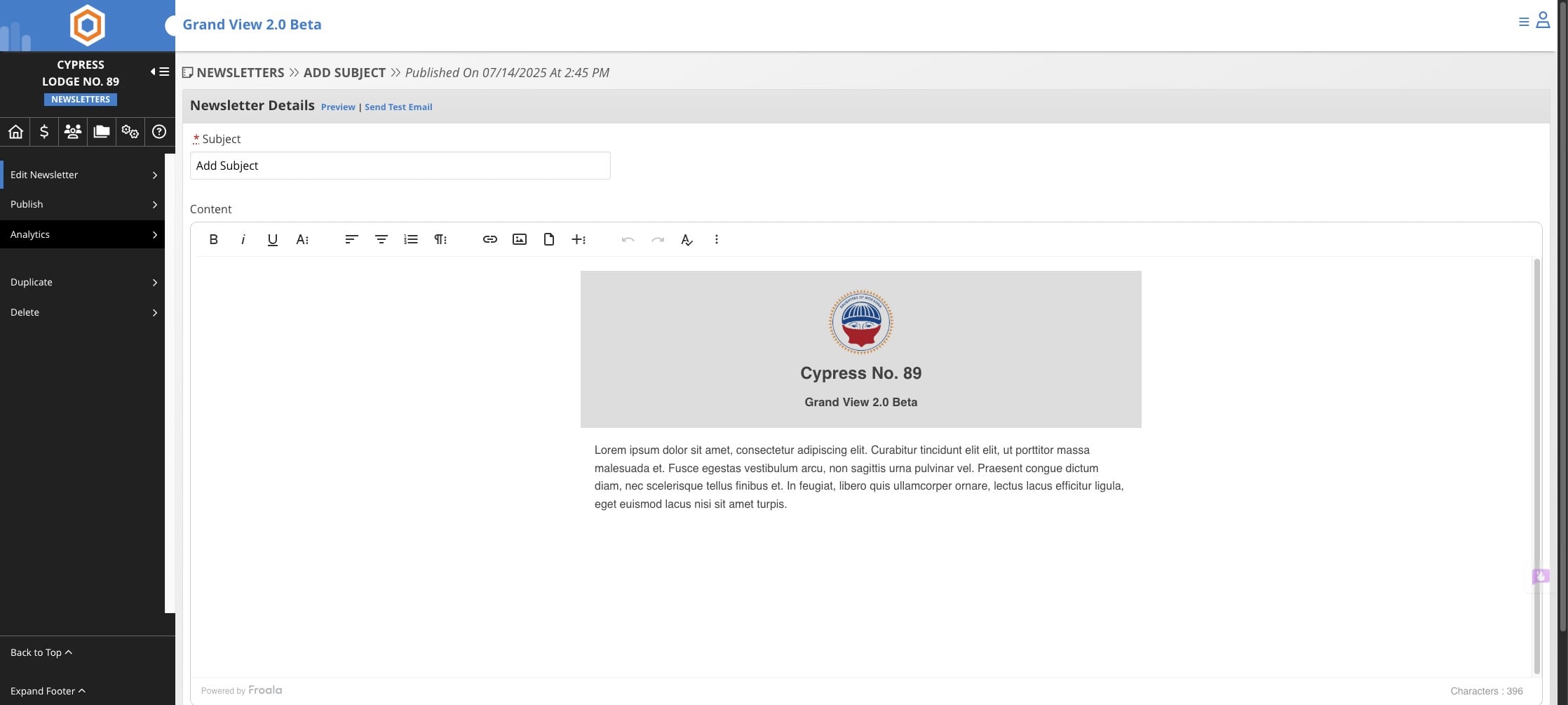
Click on "Analytics"
4
Click on "Download Email Results (XLSX)" to download the send results
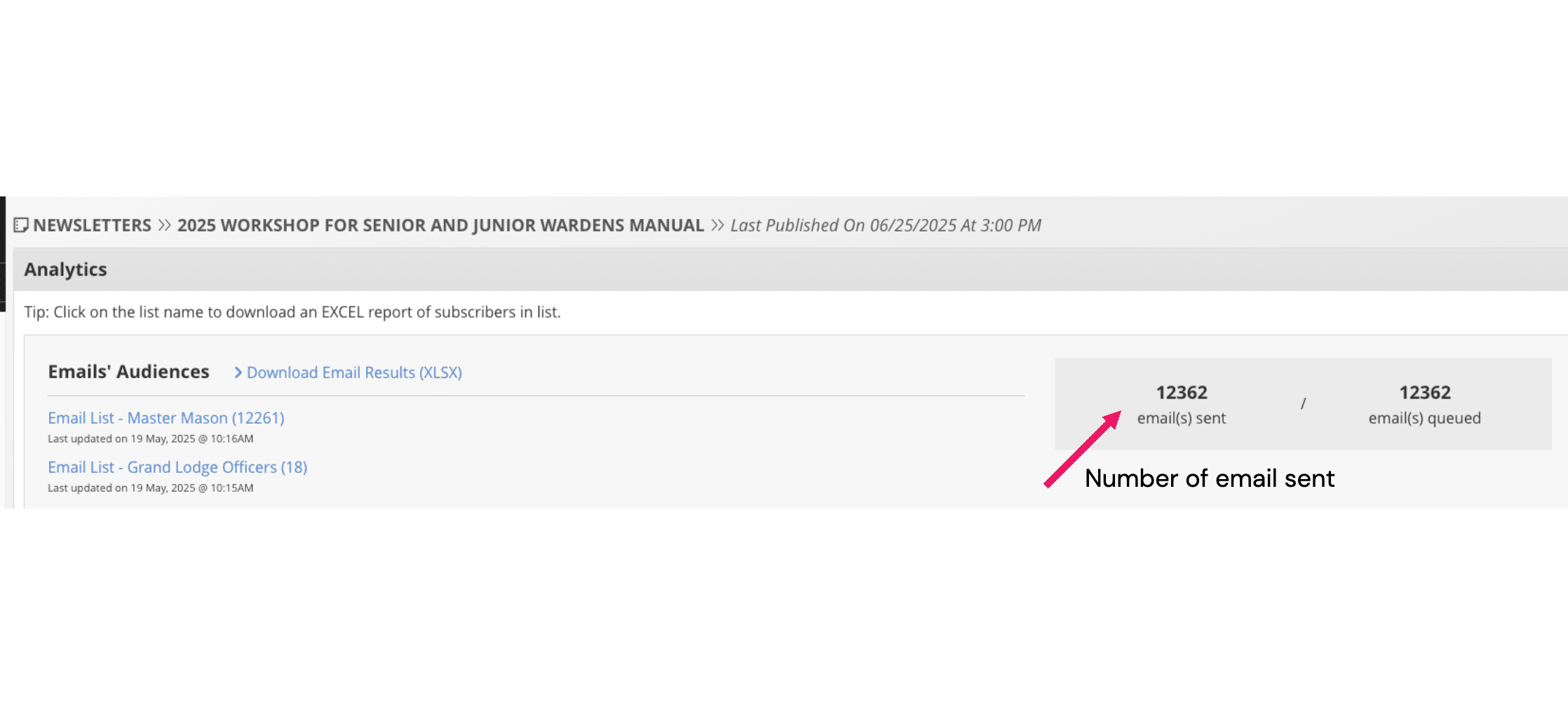
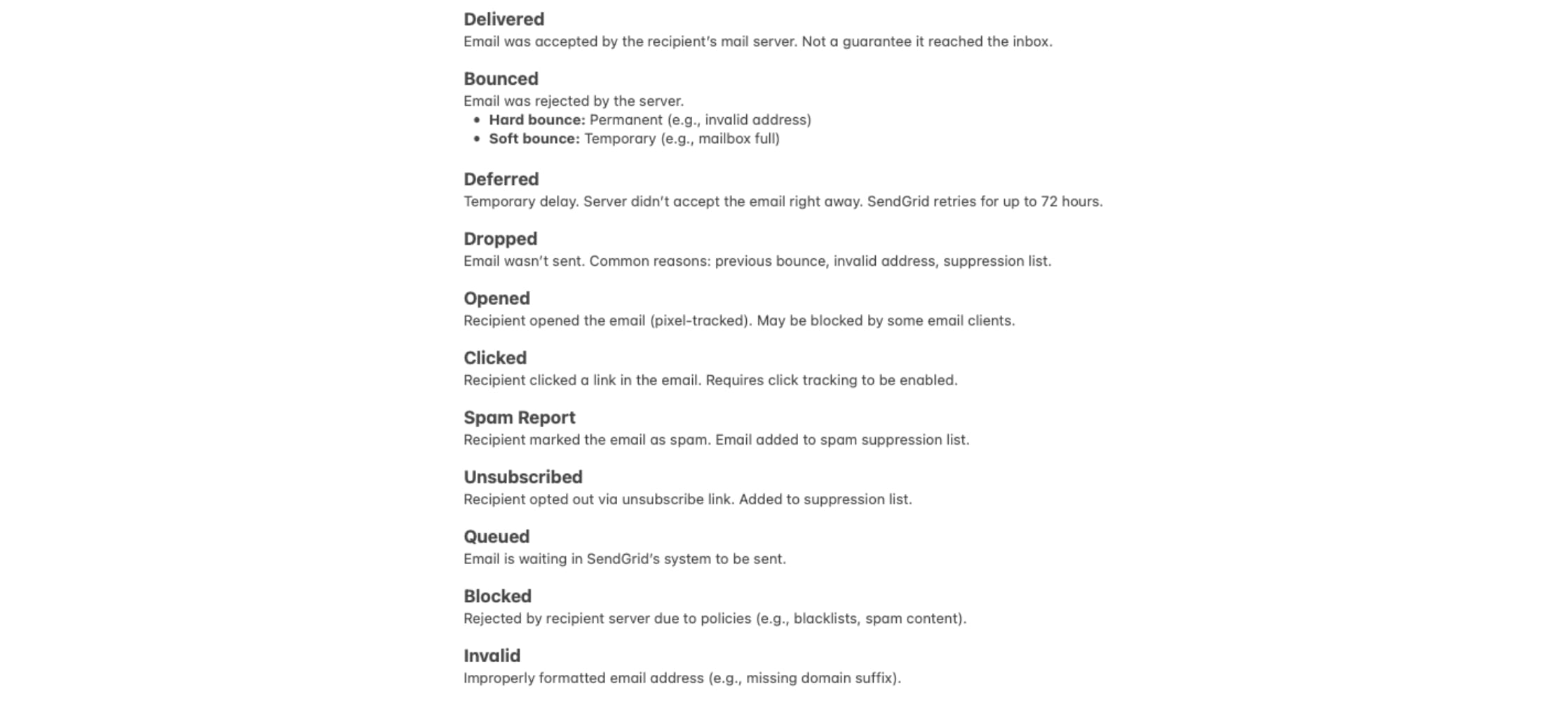
Different email statuses
Grand View does not guarantee that members will receive emails once they are sent from our system, as delivery depends on the recipient's email provider and settings.